9
GB
1
Installation of the Freecom software
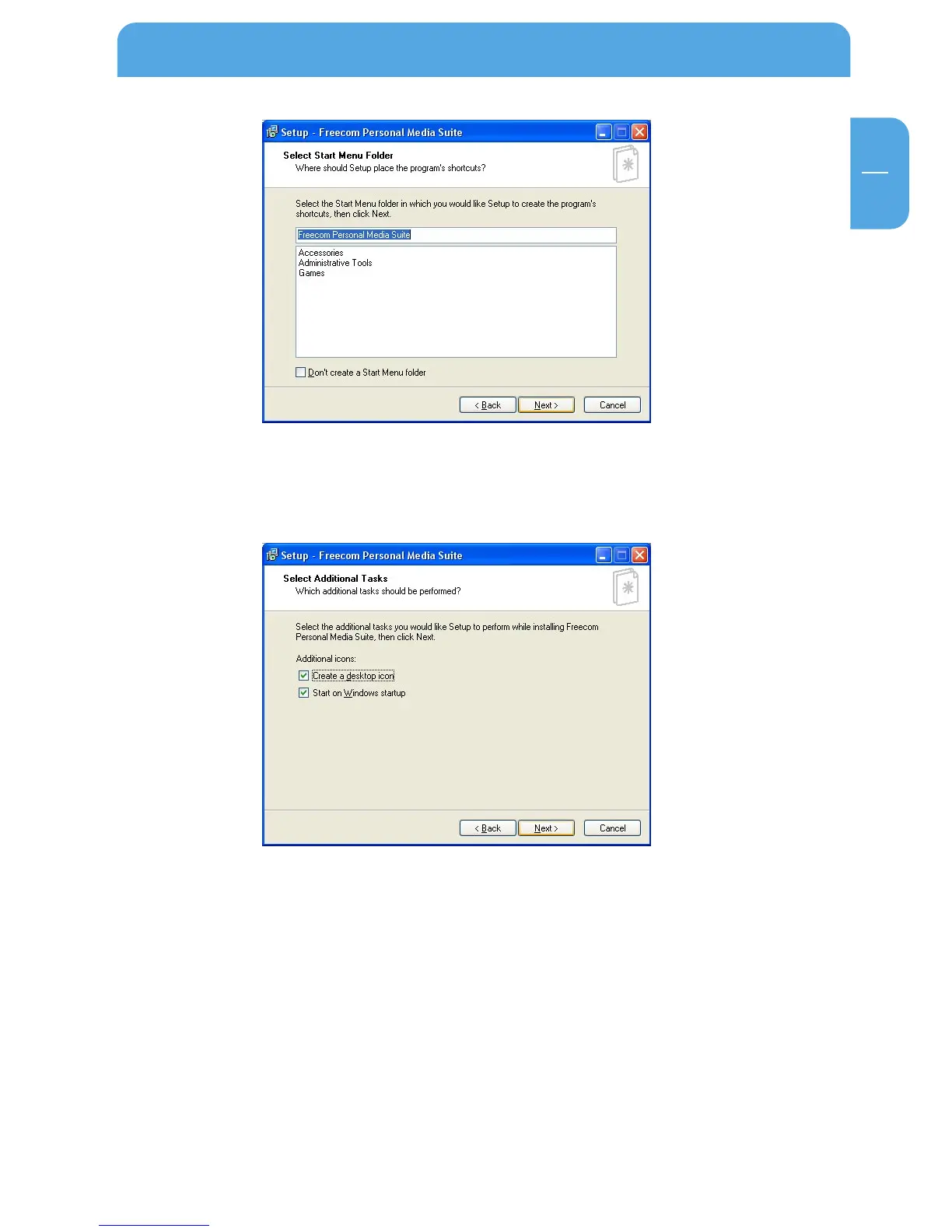
5. In the dialogue "Options" you can select whether to create a link to the Freecom
Personal Media Suite Software on the desktop and whether the program should be
started automatically when starting Windows. It is recommended to select both
options for better operation of the Freecom Personal Media Suite.
6. Click on "Next" to start the installation. All necessary program files are now written
on the Freecom Mobile Drive of your computer.
7. In the last window, you will be asked whether you want to start Freecom Personal
Media Suite now. It is recommended to select this option so that you can configure
the software for your Freecom Mobile Drive. Please click on "Finish".
1.2 Deinstallation of the Freecom Personal Media Suite
In order to remove the Freecom Personal Media Suite from your computer, please
proceed as follows:
1. In the "Start" menu, please click on "Programs" - "Freecom Personal Media Suite".
2. Select "Uninstall Freecom Personal Media Suite". The software is now removed from
your computer.



 To Next Page