Freecom Network Drive Pro
3.5.2 HTTP Server
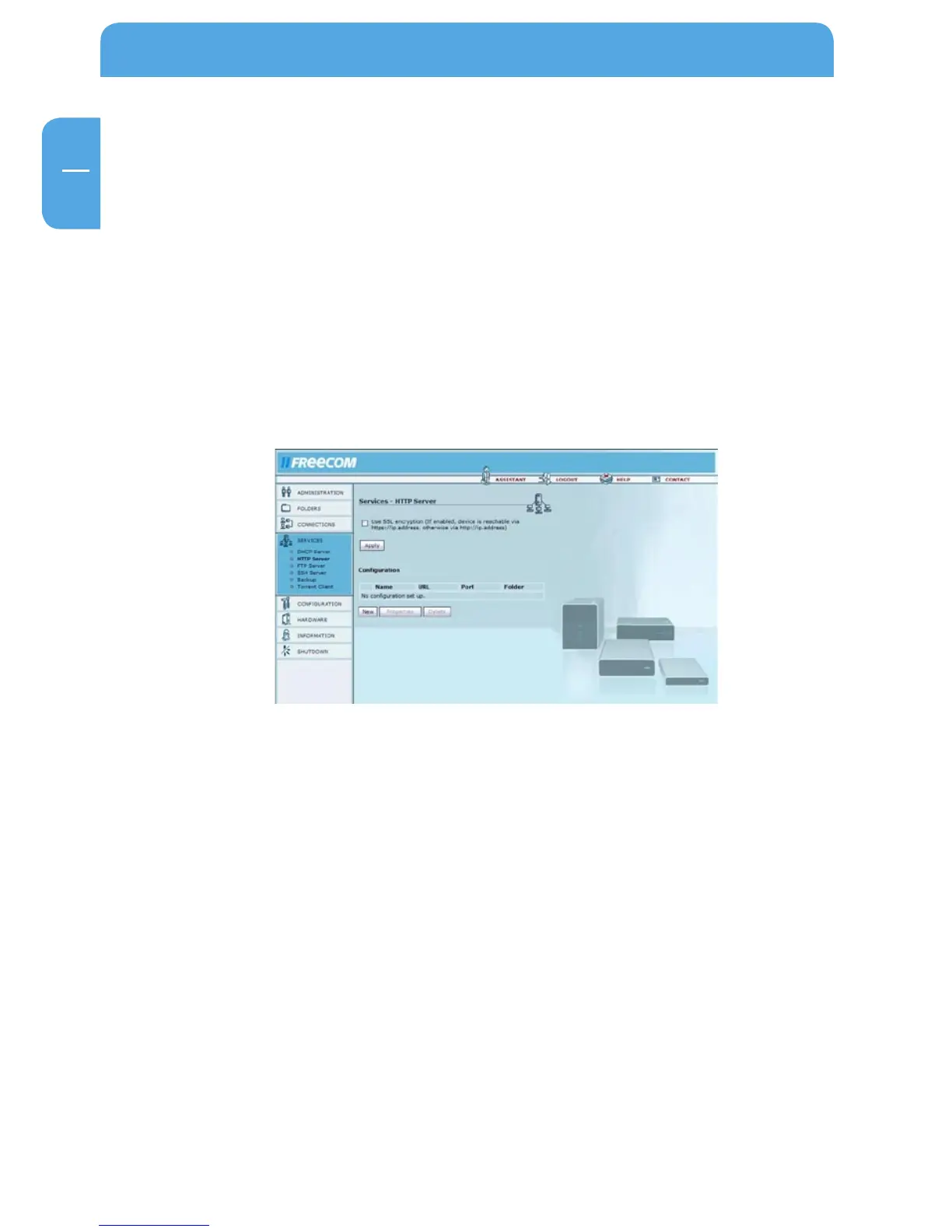
Go to Services -> HTTP Server.
Use these settings to configure the web server. The web server in use is a version of
Apache.
Options Description
Use SSL encryption This will allow SSL encrypted pages (https) This is a se-
curity feature (If enabled, device is reachable via https://
ip.address, otherwise via http://ip.address).
Configuration You open and configure the existing Web Front Pages
here.



 To Next Page