Network Drive Pro Functions
Web Front Pages and Aliases
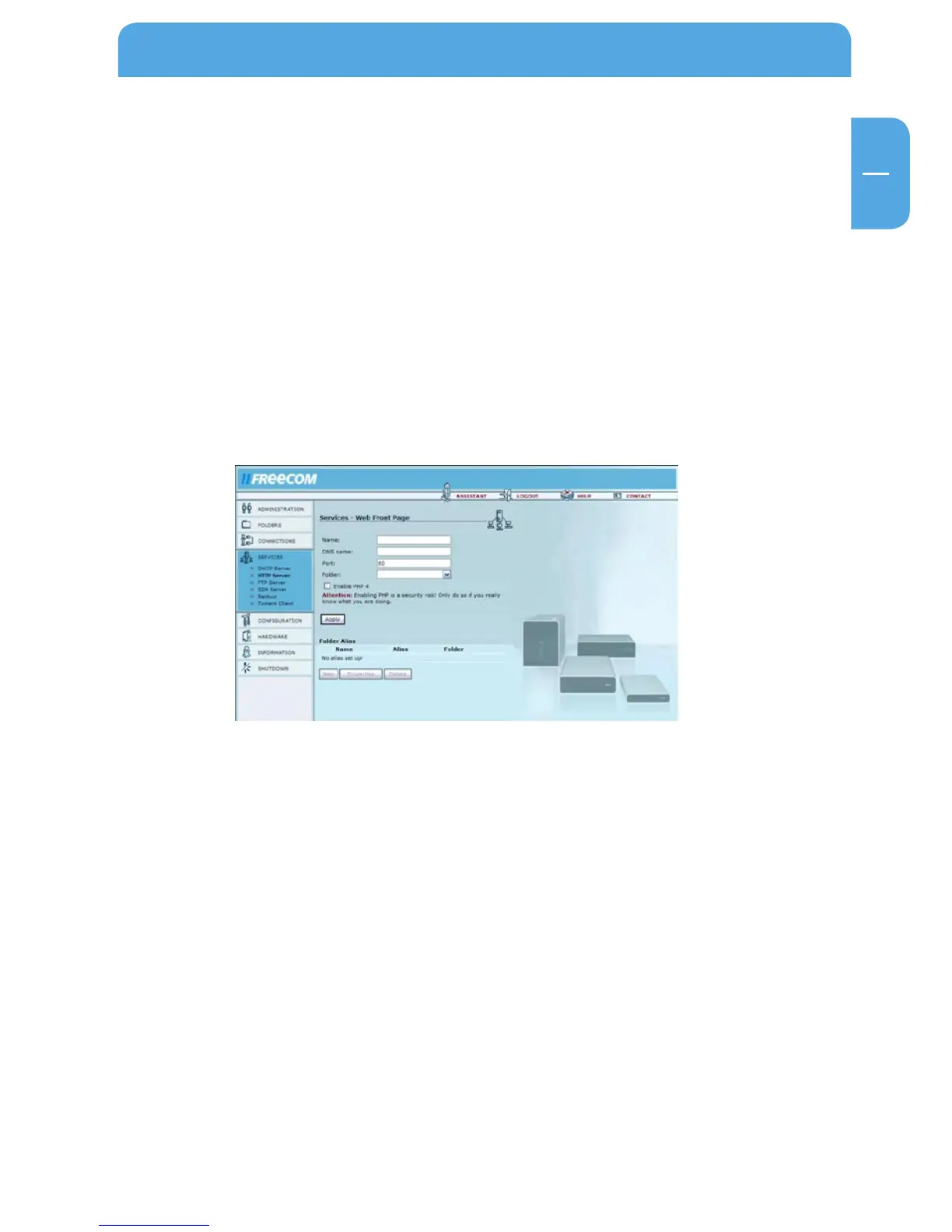
Go to Services -> HTTP Server -> Configuration -> New.
Options Explanation
Name Enter a name for your homepage here.
Port Enter the port that you want to use to access your homepage.
(We recommend using port 80. If another port is selected, you
will need to enter the port each time you access the page.
Example: http://ip-address:81 for port 81.)
Folder Select the folder where your homepage is stored.
Enable PHP 4 Enables PHP 4 support for this DNS name.



 To Next Page