Freecom Network Drive Pro
3.7 Hardware
3.7.1 Date & Time
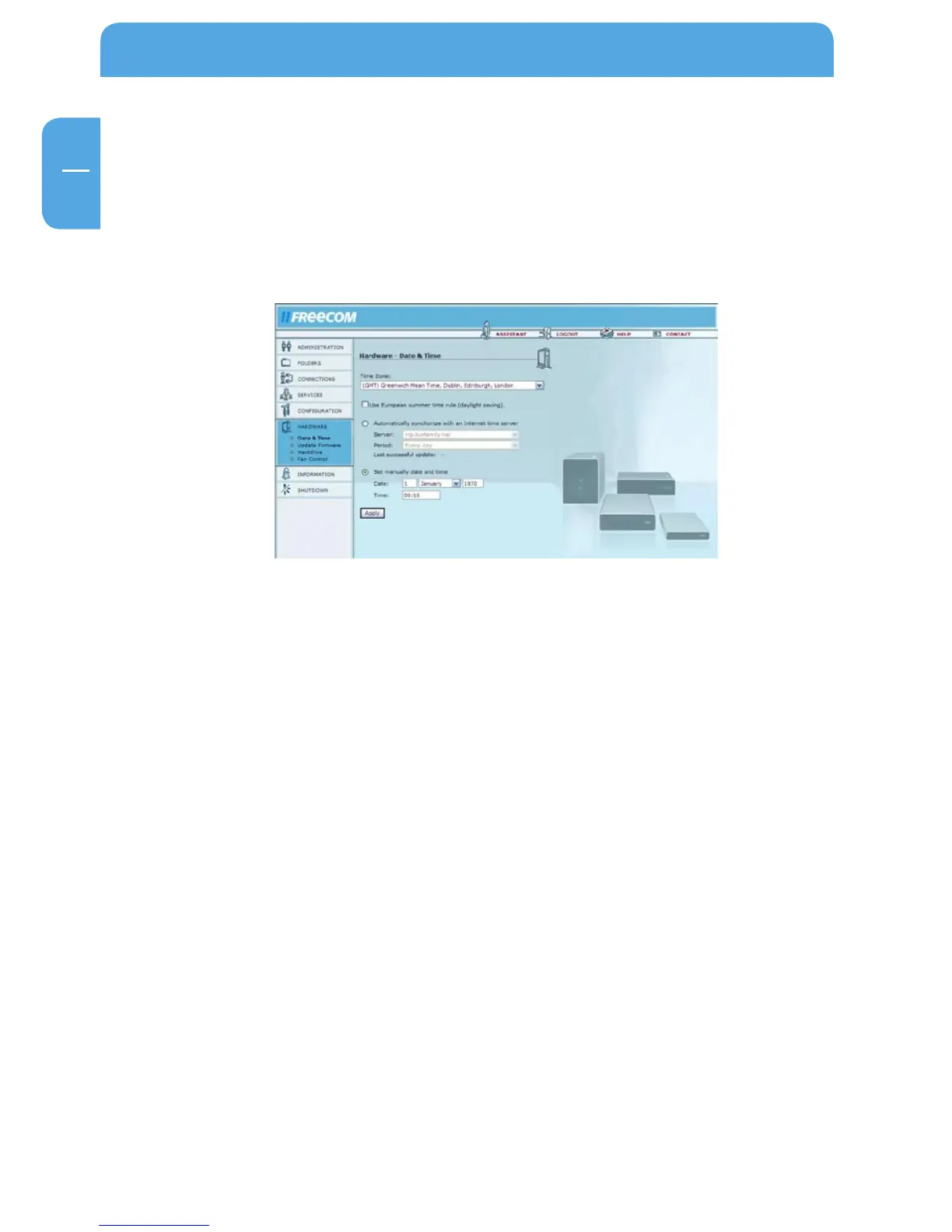
Open Hardware -> Date & Time.
You may change the date and time on the Network Drive Pro here. You may change the
settings manually or use the Internet time server.
Options Explanation
Time Zone Select your local time zone.
Use European summer
time rule
Enable this option if you live in a country that uses
summer time.
Automatically synchronize
with an Internet time server
When using this option, select a time server and update
interval.
Set manually date and time If you enable this option, please set the date and time
manually.



 To Next Page