Network Drive Pro Functions
3.7.2 Update Firmware
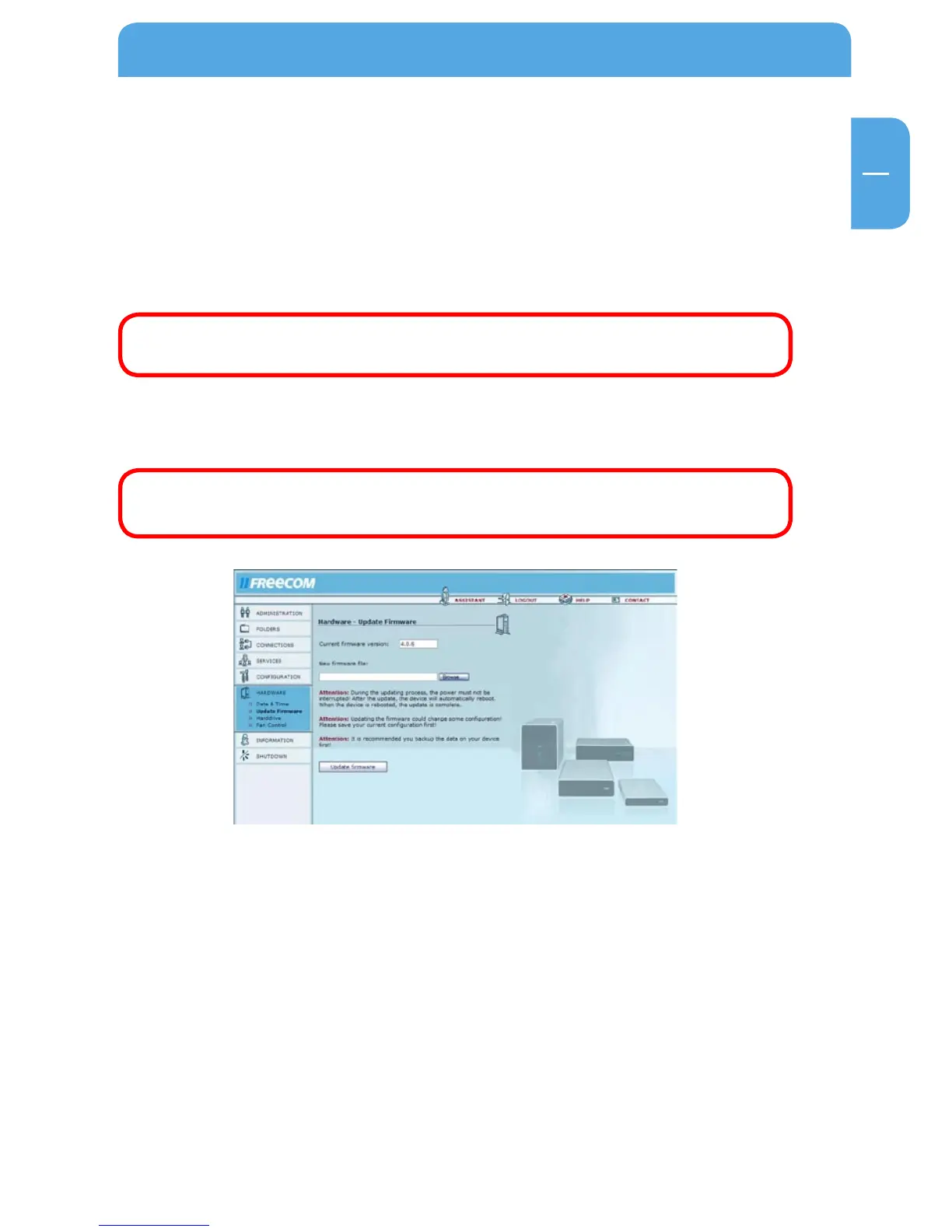
Open Hardware -> Update Firmware.
Here you can update the firmware. New firmware usually fixes bugs and adds additional
features to your Network Drive Pro. Check on www.freecom.com if new firmware updates
are available for the Freecom Network Drive Pro.
Freecom will release new and updated firmware on a regular basis. It is also possible to
obtain the source code and create your own firmware.
Attention: Changing the source code of the firmware is at your own
risk!
Download the firmware file and click on "Browse" to select the file. Click on "Update
firmware" to start the update.
Attention: Updating the firmware is at your own risk! Make sure to make
a backup of your current configuration before updating the firmware.
3.7.3 H
arddrive
O
pen Hardware -> Harddrive.
You can configure any hard drive setting in this window.



 To Next Page