Freecom Network Drive Pro
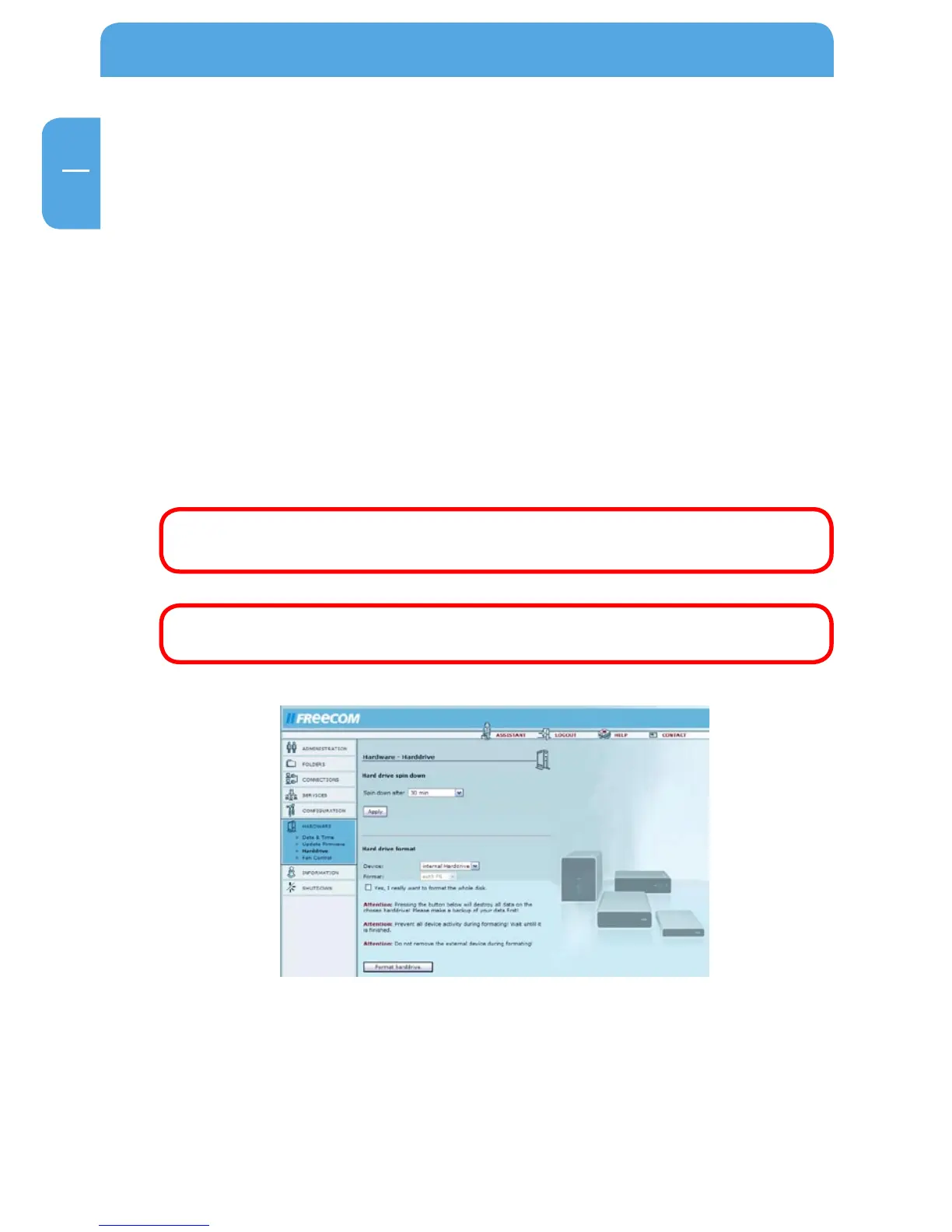
Spin-down time
If the Network Drive Pro is not used for an extended period of time, your best option
may be to shut down the hard drive. This reduces power consumption and the amount
of noise and heat generated. It also increases the operational life of the hard drive. When
the hard drive is shutdown, it will take longer to access it initially because the hard drive
has to first start spinning.
You can set the time after which the hard disk shuts down following the last access.
Once you have set the time, click 'Apply'.
Formatting the hard drive
Before formatting the internal HD on the Network Drive Pro, please read the warning
notices. All data is lost during formatting! After reading the warning notices, please
press the button to confirm you want to format the hard drive. Then click the 'Format
drive' button.
Attention: When you click the 'Format drive' button, all data on the drive
is lost! Please make a backup copy before formatting the drive.
Attention: Stop all operations on the device while the drive is being
formatted!



 To Next Page