Network Drive Pro Functions
3.7.4 Fan control
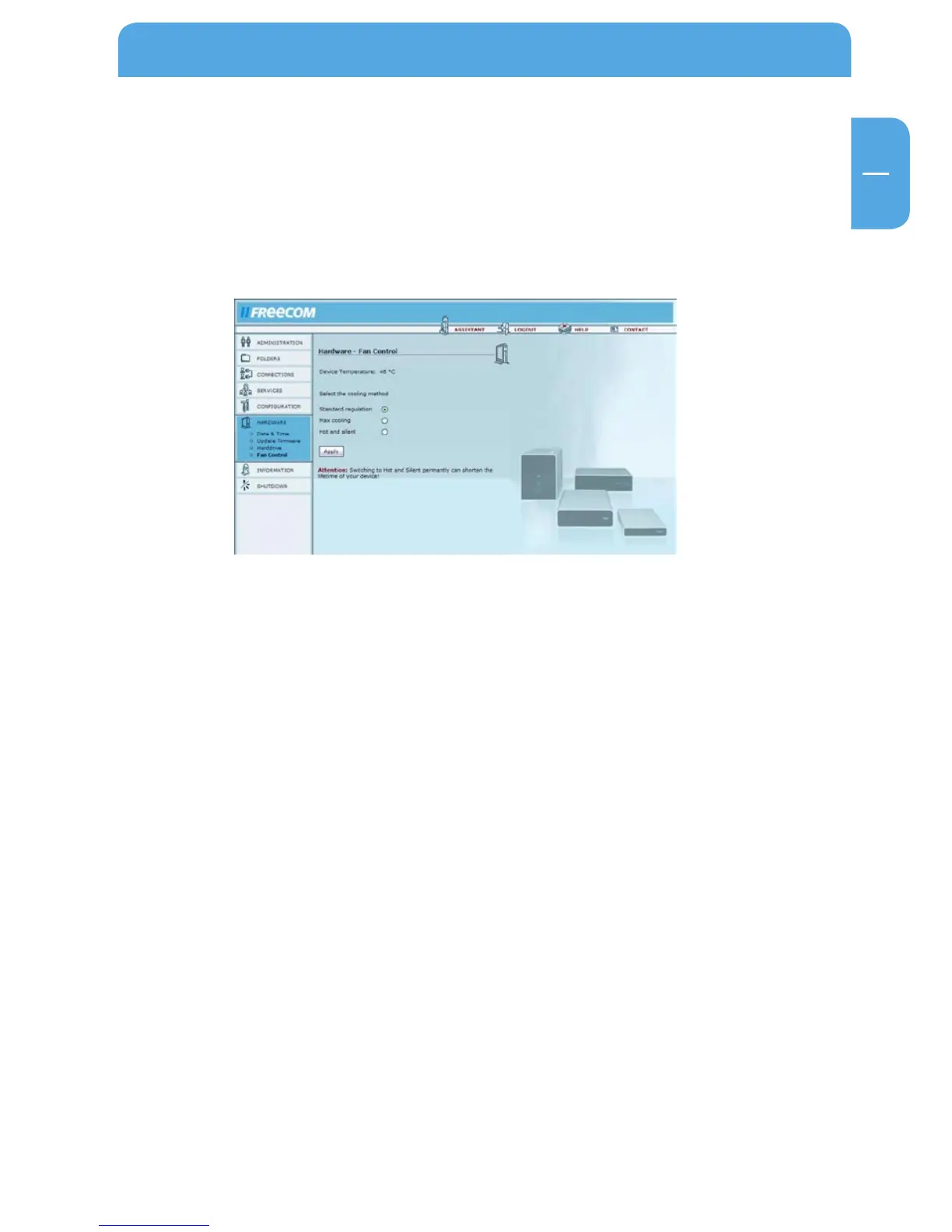
Open Hardware -> Fan Control.
This option allows you to adjust the fan speed. Reducing the fan speed means less noise,
but higher temperatures in the device. When operating the device in extremely warm
conditions or whenever the device is in constant use, we recommend that you increase
the fan speed to deliver more cooling capacity.



 To Next Page