Network Drive Pro Functions
3.8.6 Logs
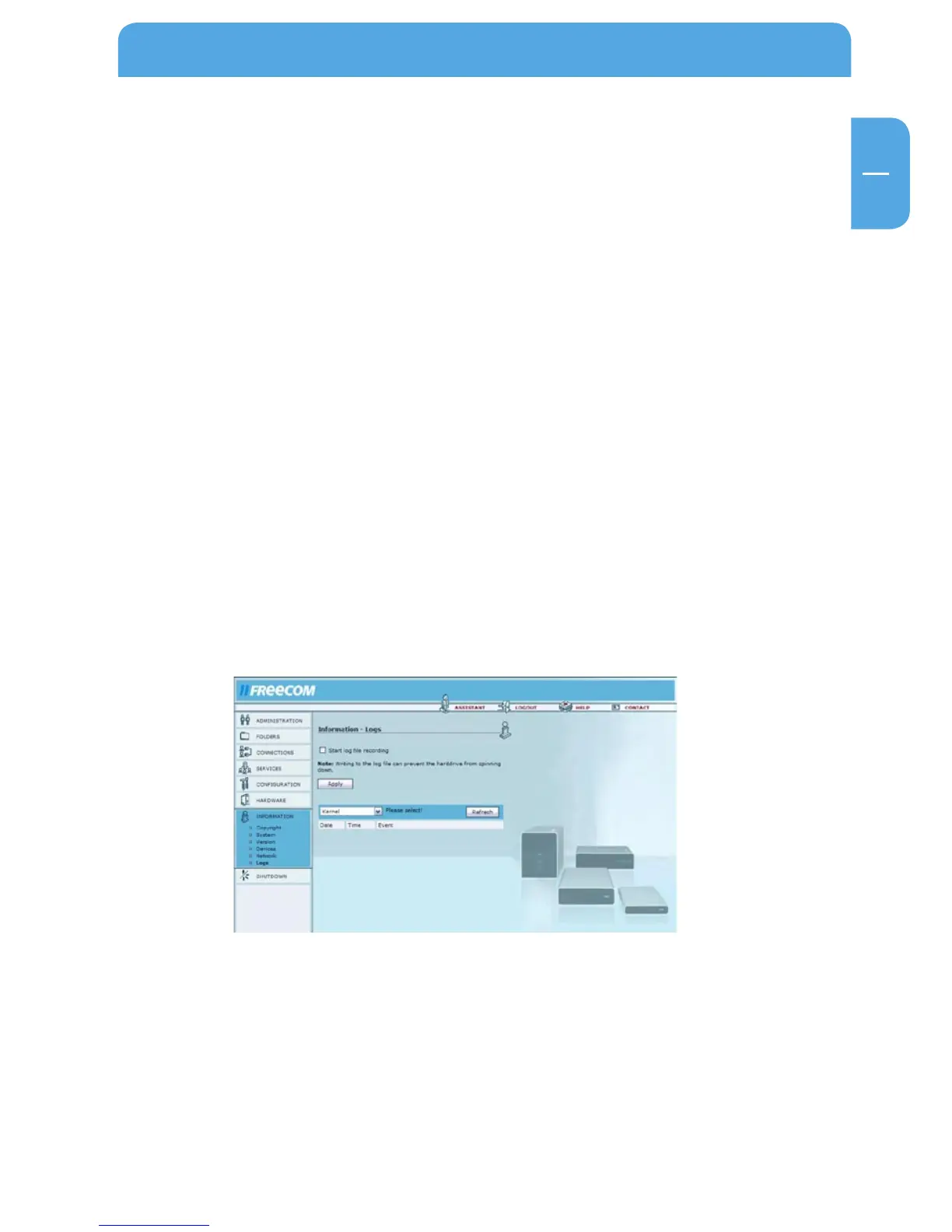
Open Information -> Logs.
If you encounter problems with you Network Drive Pro, you can use the log file recording
option to locate the issue.
The Network Drive Pro offers several log files for different software components:
- Kernel
- DHCP-server
- Hotplug
- Netbios
- SMB server
- HTTP server
- FTP server
- Backup
- Torrent client
- Configuration errors
To enable the log function, simply hit the 'Start log file recording' and then press 'Ap-
ply'. Select a function (e.g. DHCP-server) from the list and click 'Refresh' to update the
screen display.



 To Next Page