Freecom Network Drive Pro
3.9 Shutdown
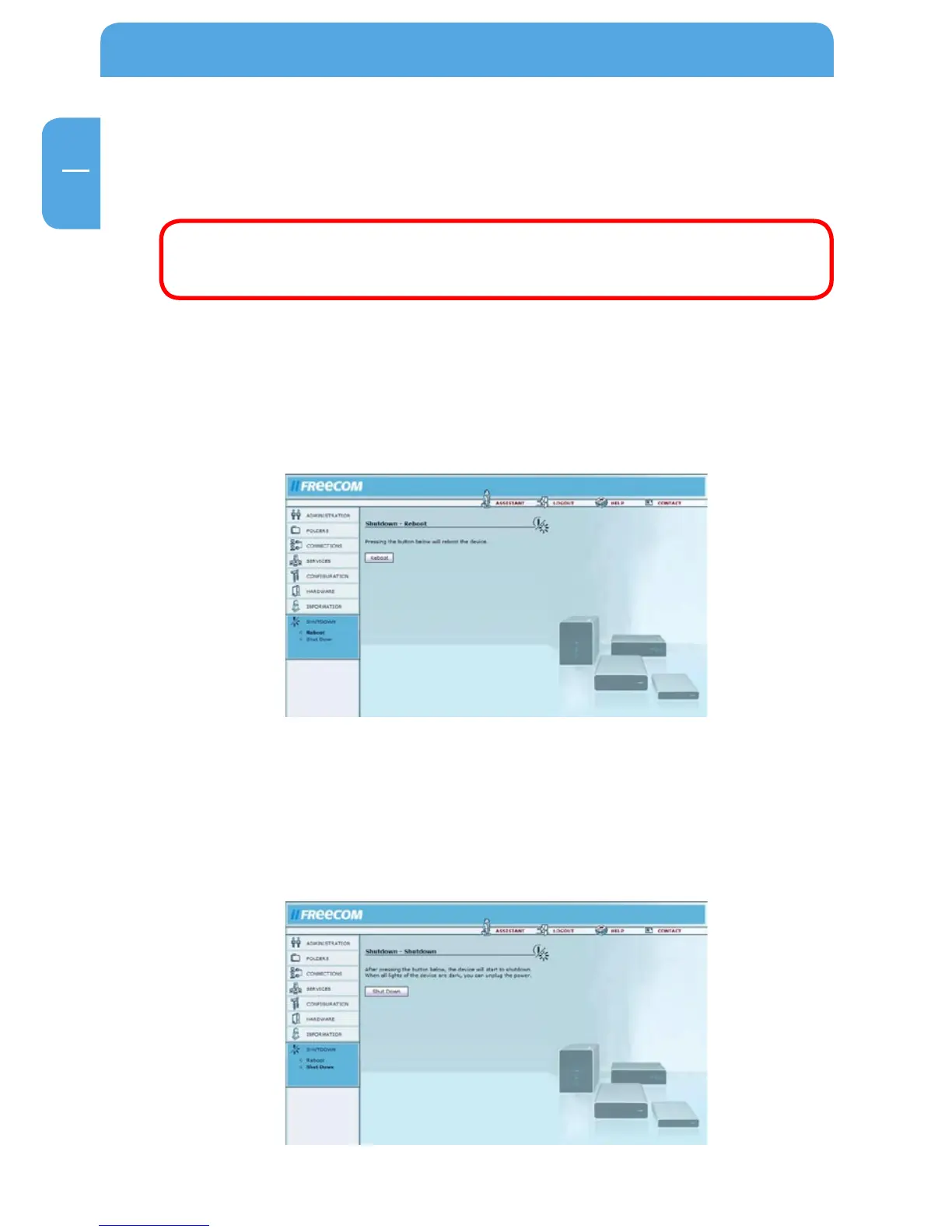
This screen allows you to reboot or shutdown the Network Drive Pro. (You can then safely
unplug the device from the power supply.)
Attention: Always shutdown the Network Drive Pro before unplugging
the power supply. If you do not do this, you may damage your drive or
corrupt the system.
3.9.
1 Reboot
O
pen Shutdown -> Reboot.
If you encounter any problems with the Network Drive Pro, it may help if you restart the
unit. Click 'Reboot' and the Network Drive Pro restarts.
3.9.2 S
hut Down
Open Shutdown -> Shut Down.
The Network Drive Pro shuts down when you press the 'Shutdown' button. When all the
lights on the device are off, you can unplug it from the power outlet. This may take a few
seconds. Press the Power on button to turn the Network Drive Pro back on.



 To Next Page