-5-
On/O
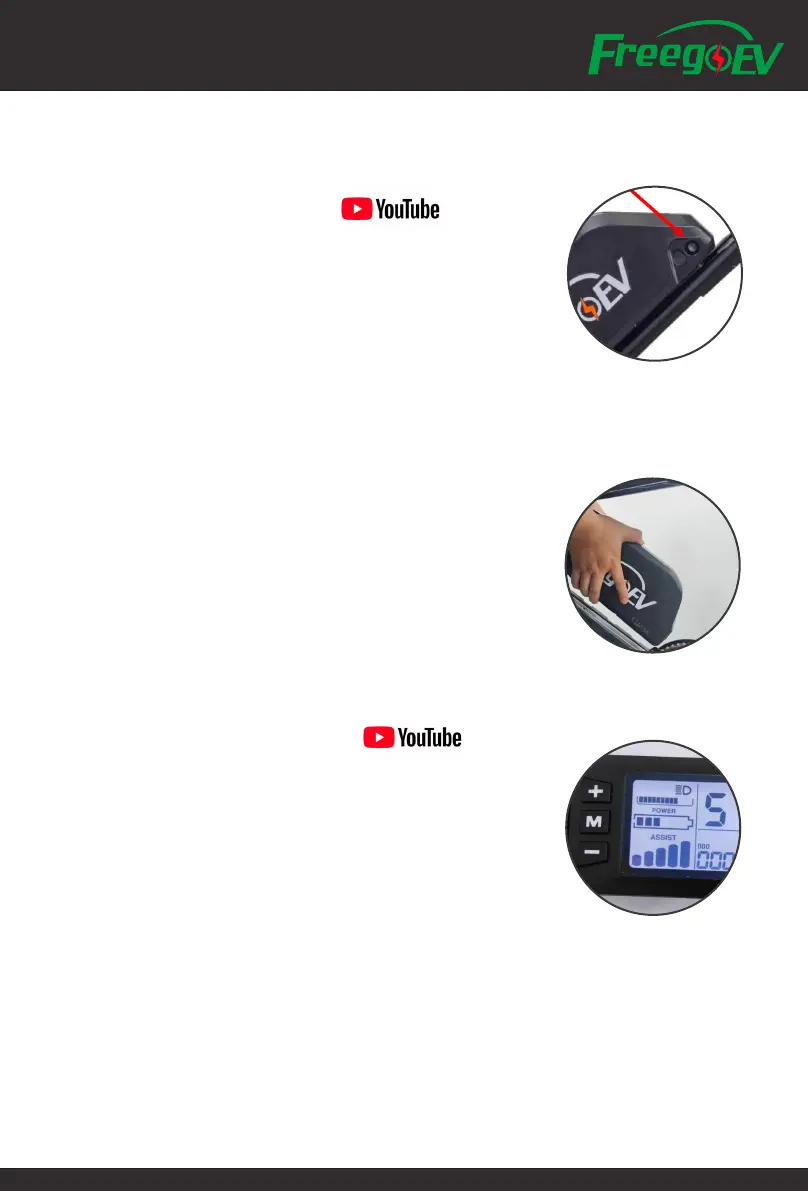
• Use Key and turn on/o the Battery Power.
Take key out when not in use.
• Press and hold "M" on the Display to turn on/o power.
• "+" to increase pedal assist.
• "-" to decrease pedal assist.
• Press and Hold "+" to turn on/o light .
• Press and hold "-" to start "walk mode" at 6KM/H until a brake lever is pulled or you
start pedalling, useful for walking beside the bike.
Learn to Drive
Battery and Charging
• Turn o the bike before connecting the battery charger.
• You can take the battery out from the frame to get it charged.
• Recharge your battery after every use if possible.
• Recharge your battery every month even if you are not using the bike.
***More Maintenance on Battery, please go to the section of Maintenance.
Error Code Indication
E02 Brake
E03 Pedal Assist Sensor
E04 6KM/H Cruise
E05 Real Time Mileage
E06 Battery Voltage
E07 Motor
E08 Throttle
E09 Controller
E10 Signal Receiver
E11 Signal Sent Out
E12 BMS
E13 Headlight
Display and P Setting
• There is no back to factory setting function, please mark down
the factory setting before changing any P settings.
• Press and Hold "+" and "-" together to enter/quit the P setting
• P Setting Code: 2020
• Press "M" to switch channel, "+"and "-" to change digit.


 To Next Page