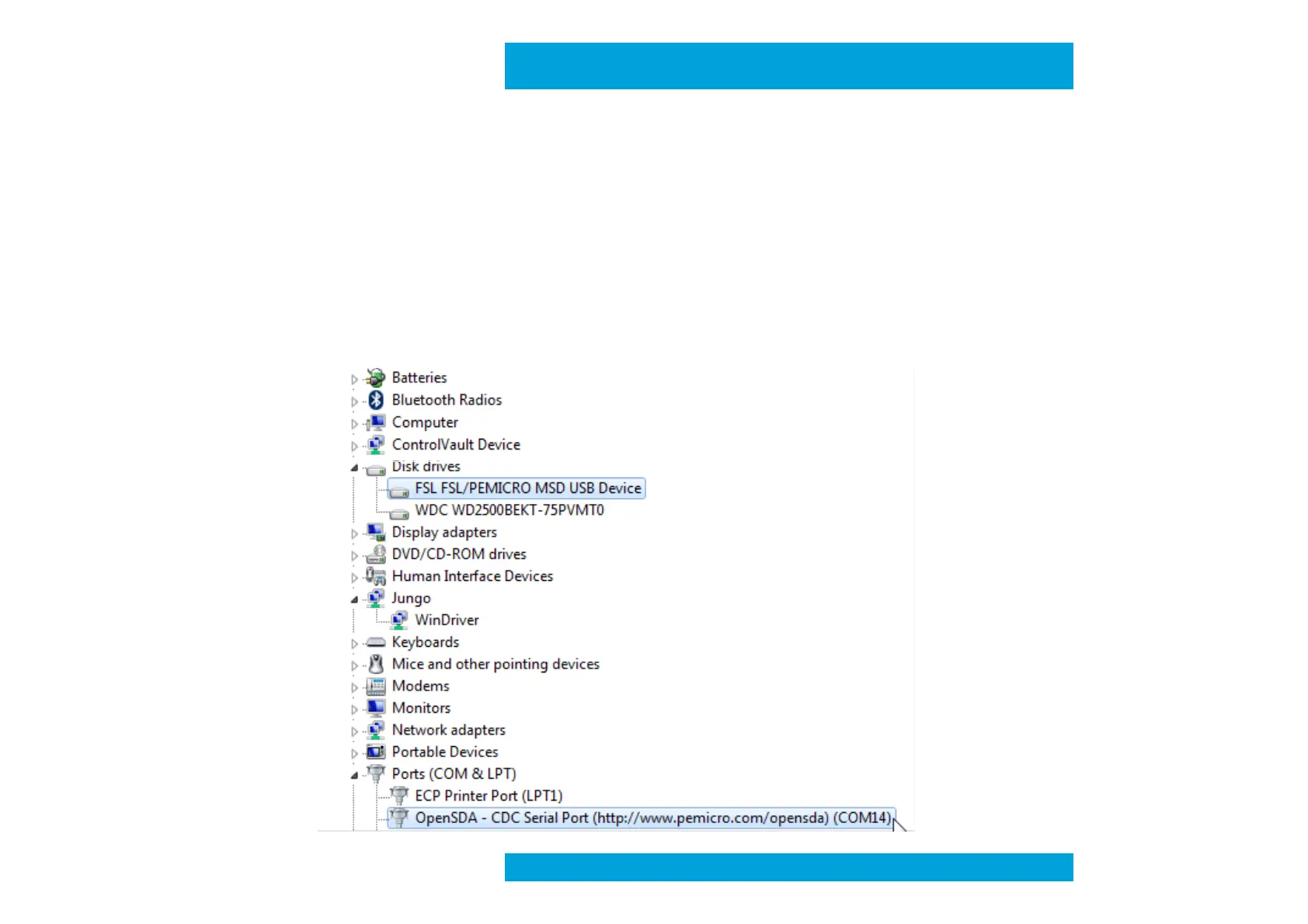
2. Load the OpenSDA MSD Flash Programmer application using the following steps:
• Drag/drop or copy/paste the application file MSD-FREEDOM-KL25Z.SDA available in the
"SDA application” folder from the FRDM-KL25Z_v1.00 zip file to the “BOOTLOADER” drive
• Unplug the USB cable and plug it in again
• A new removable drive should now be visible with a volume label of “FRDM-KL25Z”
• Windows should detect a new device ”OpenSDA – CDC Serial Port” and install automatically
the right driver
• Check in Windows device manager that Ports (COM & LPT)/OpenSDA-CDC Serial Port was
correctly detected and save the COM Port number.
Quick Start Guide
Preliminary



 To Next Page