6
Basic Operations
Digital Music & FM Mode Settings
Digital Music Settings
In MUSIC mode you can select what music you want to listen to through a
options. L ong Press to return to the root menu, and select
Then short press <MENU> to enter any of the
subset listening options
(see diagram below).
Short press to enter the Playlist menu
Short press <PREV/NEXT> to select a playlist
Short press <MENU> to play the song in your selected playlist
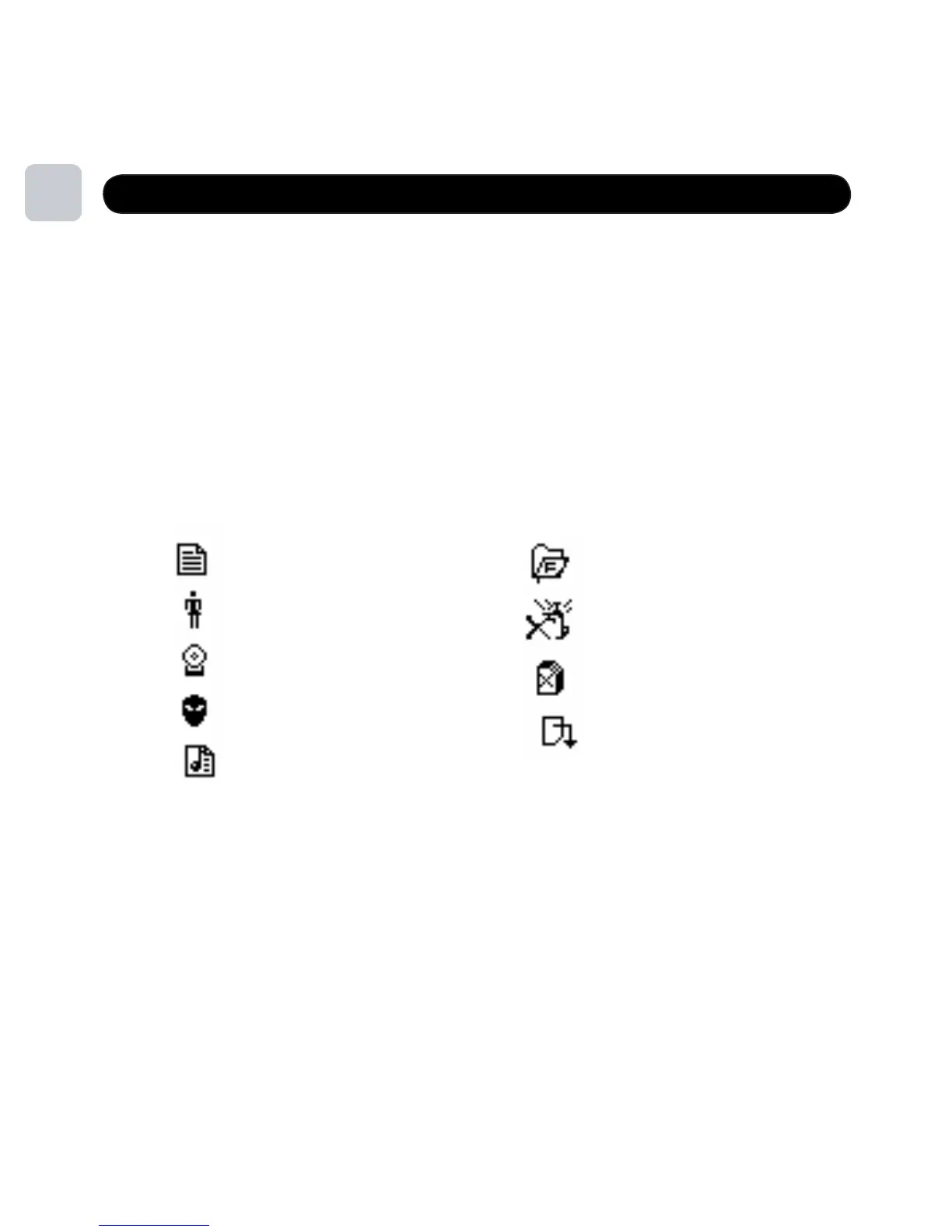
You can listen to music by your loaded playlist, name of artist, album, genre or composer.
11
Exit
Delete All
Delete File
Local Folder
License Info
Genre
Album
Artist
Playlist
<MENU>
MUSIC
<PREV/NEXT>
v ariety of sort orders. U se the Buttons to cycle through the
<MENU>
Example:



 To Next Page