6
Basic Operations
System Settings
S ystem settings are used to customiz e the way your player f unctions and
SETTINGS mode in <MENU>
.
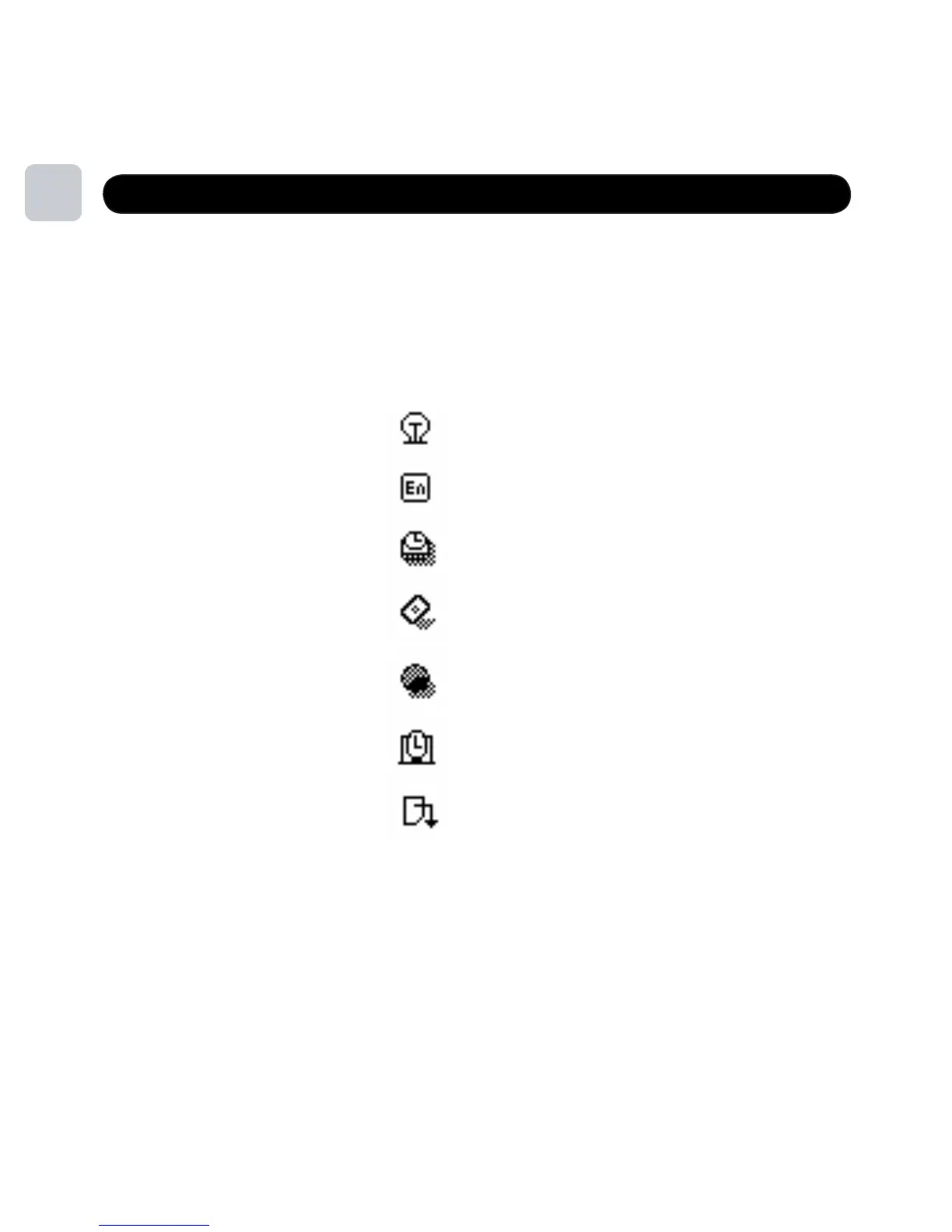
LCD Set
18
LCD Set
Language
Power Off
Online Device
Memory Info
DRM Time
Exit
provdes critical information about your player. To edit them select
To conserve the battery, the unit has a screen saver option. Go to SETTINGS, LCD SET
and SCREEN SAVER TIME to set a screen power down time. The unit will continue to
play when this option is selected.



 To Next Page