6
Basic Operations
FM Mode Setting
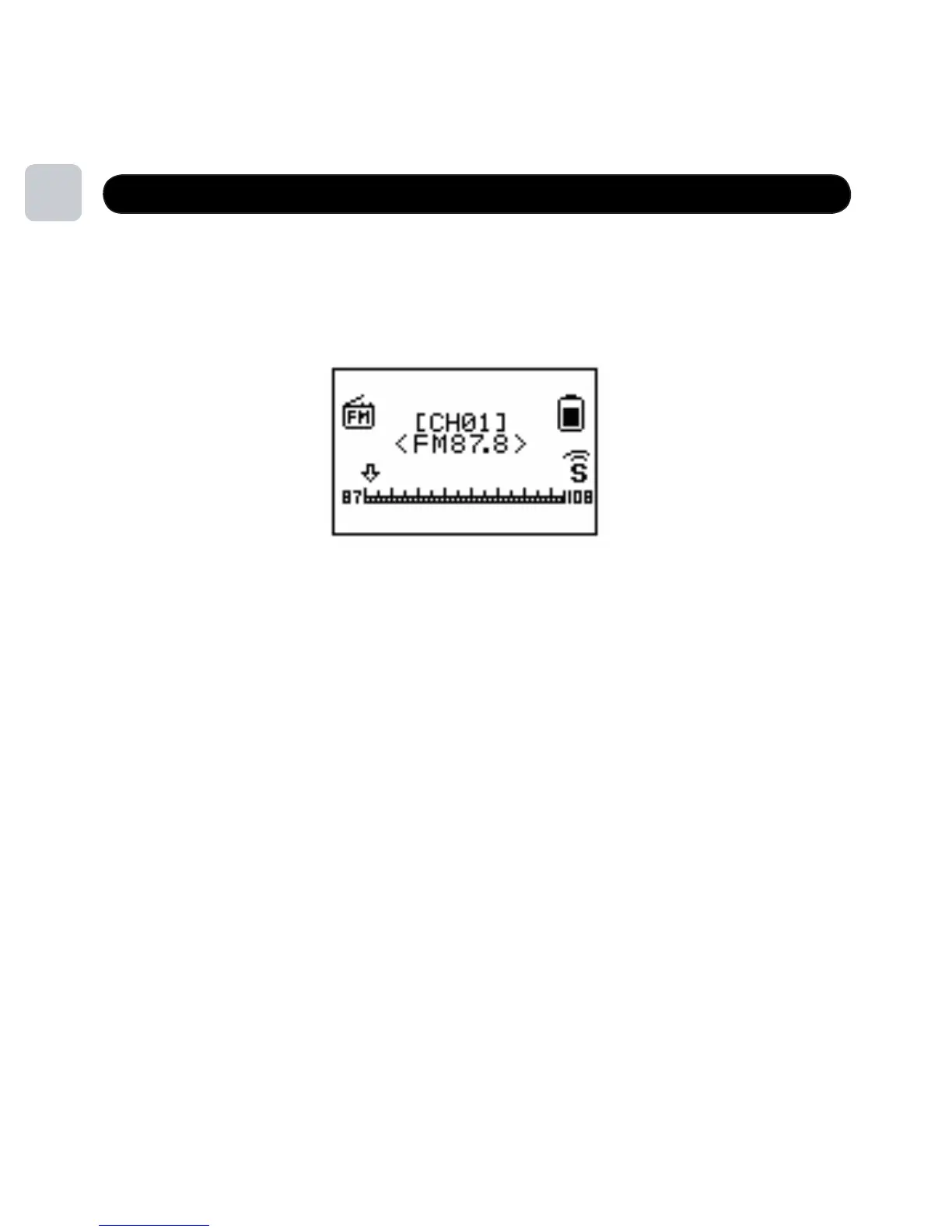
To listen to FM radio stations, simply select FM Mode in the <MENU> setting.
Short press <PREV/NEXT> to move up and down station band
Short press <MENU> to perform the following functions in FM MODE
• Save Save the radio station
• Delete Delete the radio station
• Delete All Delete all radio stations
• Auto Search Auto Search within band
• Normal Band 87-108MHz
• Exit Exit to main menu
Short press <PLAY> to scroll through and select a preset station
Long press <MENU> to exit to the root menu
15



 To Next Page