QUANTUM
™
LX EVAPORATOR CONTROL PANEL
MAINTENANCE
090.610-M (MAY 2016)
Page 24
Q4 CONTROLLER BOARD
INTRODUCTION
Frick® Controls has strived to remain on the cutting
edge of microprocessor technology and development.
Because of the ever-increasing speed, memory fea-
tures, and power of microprocessors, Frick® will con-
tinue to introduce the latest advancement in micropro-
cessor control technology.
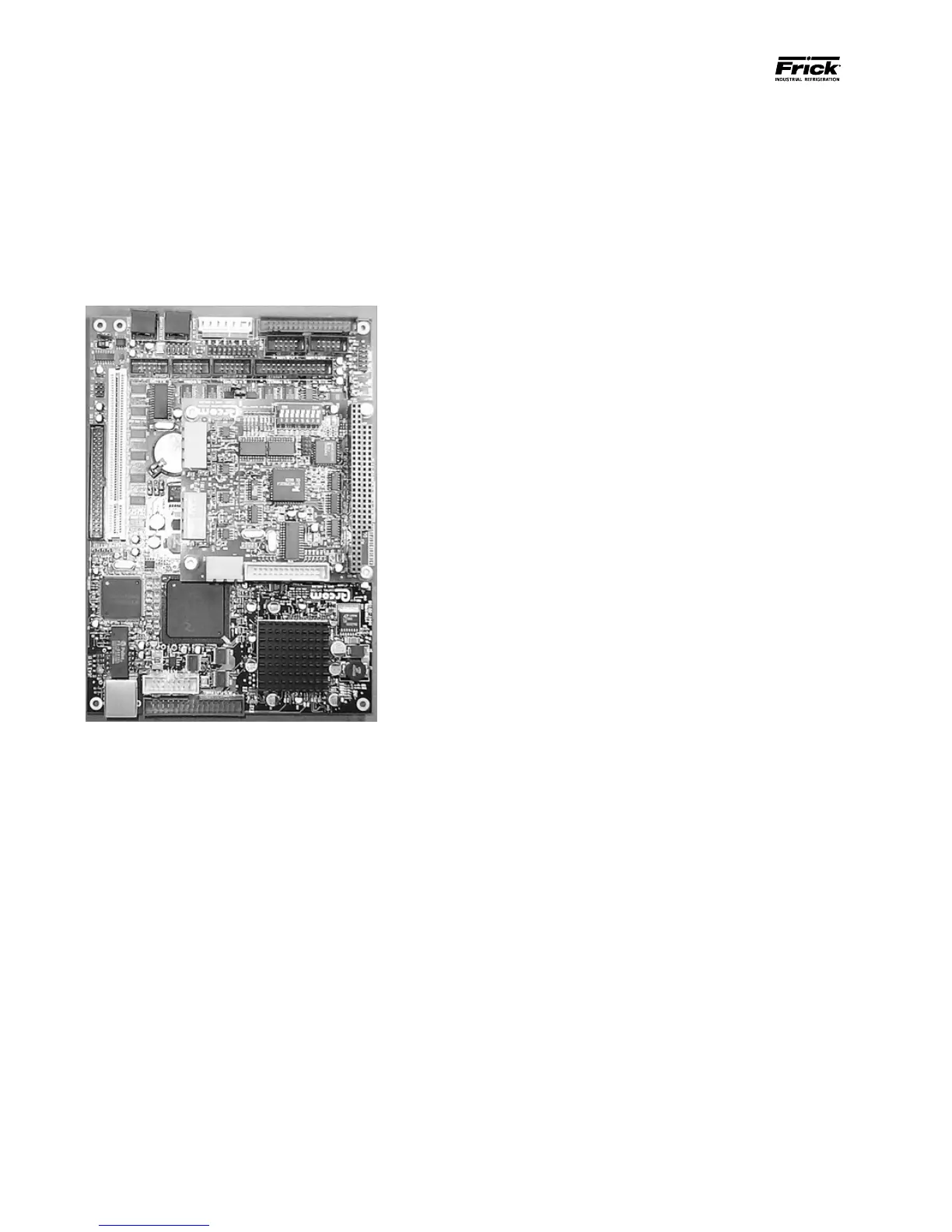
Q4 Board
WHAT SHOULD OCCUR WHEN APPLYING POWER
The rst thing that should be checked when trouble-
shooting the Q4 board is it’s powering up sequence.
When powering up the Q4, the following sequence of
events are indicative of a properly working main pro-
cessor board:
• Green PWR (Power) LED will turn on solid.
• Red FLASH LED will ash several times early
in the boot sequence. It is normally not lit.
• LED D8 (on the smaller board) will start to
blink at the rate of about once-per-second. It
will continue to blink after the Q4 has booted.
The only time that this ashing rate is inter-
rupted, is when a key is pressed on the key-
pad.
• The display should show several DOS (text)
style screens. A penguin image will appear
in the upper left corner of the screen as the
boot sequence progresses.
• Just before fully booting, a Loading bar will
appear at the bottom of the screen, showing
the percent of load that has completed.
• The Operating Status screen will appear.
After the Q4 has properly powered up, the following
sequence of events is indicative of proper communi-
cation to the analog and digital boards:
• The Analog and Digital I/O boards TX/RX
lights should be blinking.
• Each I/O board should have the power LED
lighted and the Active LED should be blink-
ing.
WHAT IF THE OPERATING STATUS SCREEN IS NOT
SHOWN
If the Operating Status screen is not shown, check the
following items:
1. If no LED’s are lit, then check AC and DC pow-
er. Refer to the Power Supply section.
2. Check if the lighting of the LED’s is occurring
as described in the What Should Occur When
Applying Powering section.
• If the powering up sequence continues
to repeat without displaying the Operat-
ing Status screen, then there is a booting
problem.
3. Check for bad connections.
4. Check if an error message is displayed when
booting.
• Be sure to write down any error mes-
sages exactly as they appear.
5. Check that the software is OK:
• Is the correct software installed?
• Did you just install new software?
6. Remove Flashcard and reboot. This will cause
the Q4 to boot under a pre-LX operating
software. If it boots properly under this older
software, then trying re-booting from the
Flashcard again. If it doesn’t boot with the
card, then the Flashcard could be corrupted,
and needs to be replaced.



 To Next Page