EasyManua.ls Logo

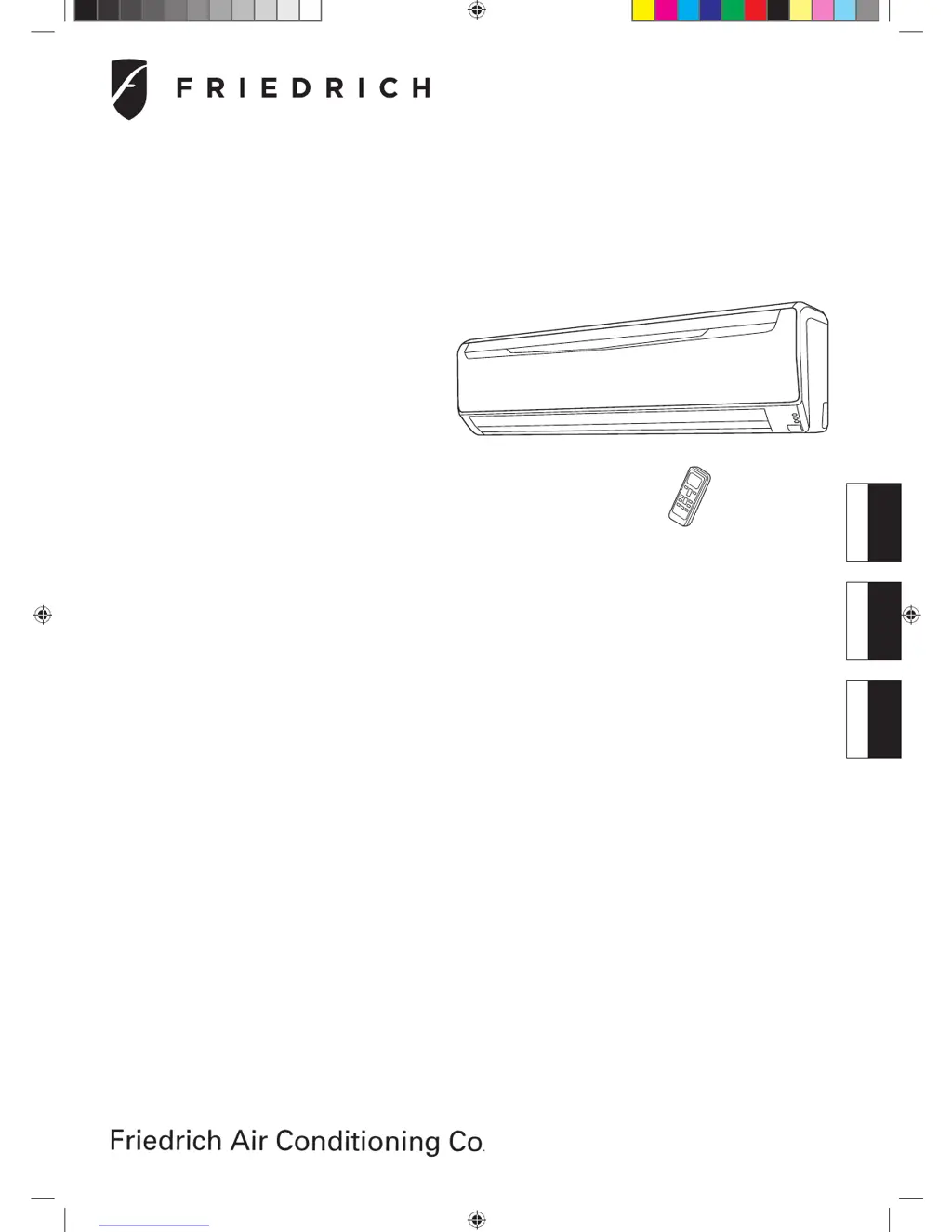
Friedrich MR30C3G - User Manual

Friedrich MR30C3G
20 pages
Print Icon
To Next Page IconTo Next Page
Loading...
KEEP THIS OPERATION MANUAL
FOR FUTURE REFERENCE
CONSERVEZ CE MODE D'EMPLOI AFIN DE
POUVOIR VOUS Y RÉFÉRER ULTÉRIEUREMENT
GUARDE ESTE MANUAL DE USO PARA
FUTURAS CONSULTAS
P/N9315345394
OPERATING MANUAL
MODE D’EMPLOI
MANUAL DE FUNCIONAMIENTO
EnglishFrançaisEspañol
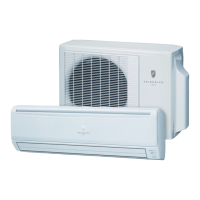
Indoor Unit
MW30C3G
MW36C3G
Outdoor Unit
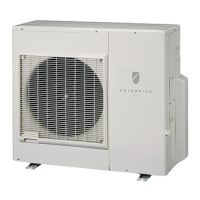
MR30C3G
MR36C3G
INVERTER
COOLING MODEL
ROOM AIR CONDITIONER
WALL MOUNTED TYPE
9315345394_OM.indb 19315345394_OM.indb 1 9/30/2010 2:44:14 PM9/30/2010 2:44:14 PM

Other manuals for Friedrich MR30C3G

Questions and Answers

  • C
    charlesrossJul 28, 2025
    Why is my Friedrich MR30C3G Air Conditioner not cooling properly?
    • A
      Amy MurphyJul 29, 2025
      Several factors can impact the cooling performance of your Friedrich Air Conditioner: * Check if the air filter is dirty. * Make sure that the air conditioner's intake grille or outlet port isn't blocked. * Verify that you've correctly adjusted the room temperature settings (thermostat). * Ensure no windows or doors are open. * If sunlight is entering, close the curtains. * Consider if there are heat-generating devices or too many occupants in the room. * Confirm the unit is not set to SUPER QUIET operation.
  • E
    Emily FlynnAug 1, 2025
    What to do if my Friedrich MR30C3G doesn't operate at all?
    • D
      dale36Aug 2, 2025
      If your Friedrich Air Conditioner isn't operating, check the following: * Confirm that the power supply plug is securely connected to the outlet. * Verify there hasn't been a power failure. * Check if a fuse has blown or a circuit breaker has tripped. * Ensure the timer isn't preventing operation.
  • M
    Mr. Christopher Thomas DVMAug 6, 2025
    Why is my Friedrich MR30C3G Air Conditioner not responding to the remote?
    • J
      John HartAug 6, 2025
      If your Friedrich unit isn't responding to the remote controller's settings, verify that the batteries in the remote controller are not dead and are loaded properly.
  • S
    staciewilsonAug 10, 2025
    Why does the airflow of my Friedrich MR30C3G Air Conditioner become weak or stop?
    • S
      Shelby JonesAug 10, 2025
      A weak or stopped airflow in your Friedrich Air Conditioner can occur because the fan may operate at a very low speed during Dry operation, when the unit is monitoring the room’s temperature, during SUPER QUIET operation, or in the monitor AUTO operation.
  • T
    Tammy WoodAug 15, 2025
    Why is there noise coming from my Friedrich MR30C3G Air Conditioner?
    • J
      Jonathan Washington Jr.Aug 15, 2025
      Various noises from your Friedrich Air Conditioner are normal: * The sound of water flowing in the piping may be heard during and immediately after operation. * The sound of coolant flowing may be particularly noticeable for about 2 to 3 minutes after starting operation. * A slight squeaking sound may occur due to minute expansion and contraction of the front cover because of temperature changes.
  • S
    Sherry OrtegaAug 18, 2025
    Why is my Friedrich Air Conditioner emitting mist or steam?
    • M
      montoyamaryAug 19, 2025
      During Cooling or Dry operation, a thin mist emitted from your Friedrich Air Conditioner may be seen. This results from the sudden Cooling of room air, leading to condensation.
  • P
    pramirezAug 23, 2025
    Why does my Friedrich MR30C3G smell?
    • R
      Richard WiseAug 23, 2025
      Your Friedrich Air Conditioner may emit some smell from the indoor unit. This smell results from room odors (furniture, tobacco, etc.) taken into the air conditioner.

Summary

Safety Precautions

Features and Functions

Inverter

Explains the inverter technology for efficient cooling and comfortable operation.

Auto Changeover

Details the automatic switching between cooling and dry modes to maintain set temperature.

Program Timer

Describes setting ON and OFF timers in a single sequence for 24-hour operation.

Sleep Timer

Explains how the sleep timer gradually raises temperature and turns off the unit.

Removable Open Panel

Highlights the easy-access panel for cleaning and maintenance of the indoor unit.

Mildew-Resistant Filter

Notes the filter's treatment to resist mildew for cleaner use and easier care.

Super Quiet Operation

Details the mode that reduces airflow for quieter indoor unit operation.

Wireless Remote Controller

Explains the convenience of controlling the air conditioner with a wireless remote.

Horizontal Airflow

Advises using horizontal airflow to avoid direct cooling on occupants.

Omni-Directional Air Flow (Swing Operation)

Describes three-dimensional air direction control using dual UP/DOWN and LEFT/RIGHT swings.

Wired Remote Controller (Option)

Introduces the optional wired remote controller and its additional functions.

Name of Parts

Preparation

Load Batteries (AAA;R03;LR03 × 2)

Instructions on how to open the compartment and insert batteries correctly.

Set the Current time

Steps for setting the clock on the remote controller using the buttons.

To Use the Remote Controller

Guidelines for pointing the remote at the signal receiver and expected feedback.

Remote Controller Holder

Instructions for mounting the holder for the remote controller.

Operation

To Select Mode Operation

How to start the unit and select the desired operating mode (AUTO, COOL, DRY, FAN).

To Set the Thermostat

Instructions for adjusting the desired temperature using the remote control.

To Set the Fan Speed

Guide to changing the fan speed settings (AUTO, HIGH, MED, LOW, QUIET).

Super Quiet Operation

Details on activating the quiet mode and its effect on airflow and noise.

To Stop Operation

How to turn off the air conditioner by pressing the START/STOP button.

About AUTO CHANGEOVER Operation

Explanation of how AUTO mode detects room conditions and selects the operating mode.

About Mode Operation

Descriptions of Cooling, Dry, and Fan modes and their specific operational characteristics.

Timer Operation

To Use the ON timer or OFF timer

Steps to set a single ON or OFF timer for automated operation.

To Use the Program timer

Instructions for setting a sequence of ON and OFF timers within a 24-hour period.

To Cancel the Timer

How to cancel any active timer setting and return to normal operation.

To Change the Timer Settings

Procedure to modify existing ON, OFF, or Program timer settings.

To Stop Air Conditioner Operation while the Timer is Operating

Method to manually stop the unit even when a timer is active.

To Change Operating Conditions

How to adjust mode, fan speed, or temperature after setting a timer.

Sleep Timer Operation

To Use the SLEEP Timer

How to activate the sleep timer for gradual temperature adjustment and automatic shutoff.

To Change the Timer Settings

Steps to modify the duration of the sleep timer.

To Cancel the Timer

How to cancel the sleep timer function.

To Stop the Air Conditioner During Timer Operation

Method to manually stop the unit while the sleep timer is active.

About the SLEEP Timer

Explanation of how the sleep timer modifies thermostat settings for comfortable sleep.

Manual Auto Operation

How To Use the Main Unit Controls

Guide to operating the unit directly using controls on the main unit panel.

Adjusting the Direction of Air Circulation

Vertical Air Direction Adjustment

Instructions for adjusting the vertical airflow louvers using the remote.

Horizontal Air Direction Adjustment

Instructions for adjusting the horizontal airflow louvers using the remote.

Swing Operation

To select SWING Operation

How to activate different swing modes for airflow distribution.

To stop SWING Operation

How to stop the swing function and fix the airflow direction.

About Swing Operation

Detailed explanation of how UP/DOWN, LEFT/RIGHT, and combined swing modes work.

Cleaning and Care

Cleaning the Intake Grille

Step-by-step guide for removing and cleaning the front intake grille.

Cleaning the Air Filter

Instructions for removing, cleaning, and reinstalling the air filter.

Troubleshooting

Operating Tips

AUTO Restart

Explains the unit's behavior and restart mode after a power interruption.

Temperature and Humidity Range

Recommended operating conditions for optimal performance and safety.

Specification

Friedrich MR30C3G Specifications

General IconGeneral
RefrigerantR-410A
Compressor TypeRotary
Voltage208/230V
Power Supply208/230V
Air Flow (High)530 CFM
Sound Level (High)60 dB
Cooling Capacity30, 000 BTU/h

Related product manuals