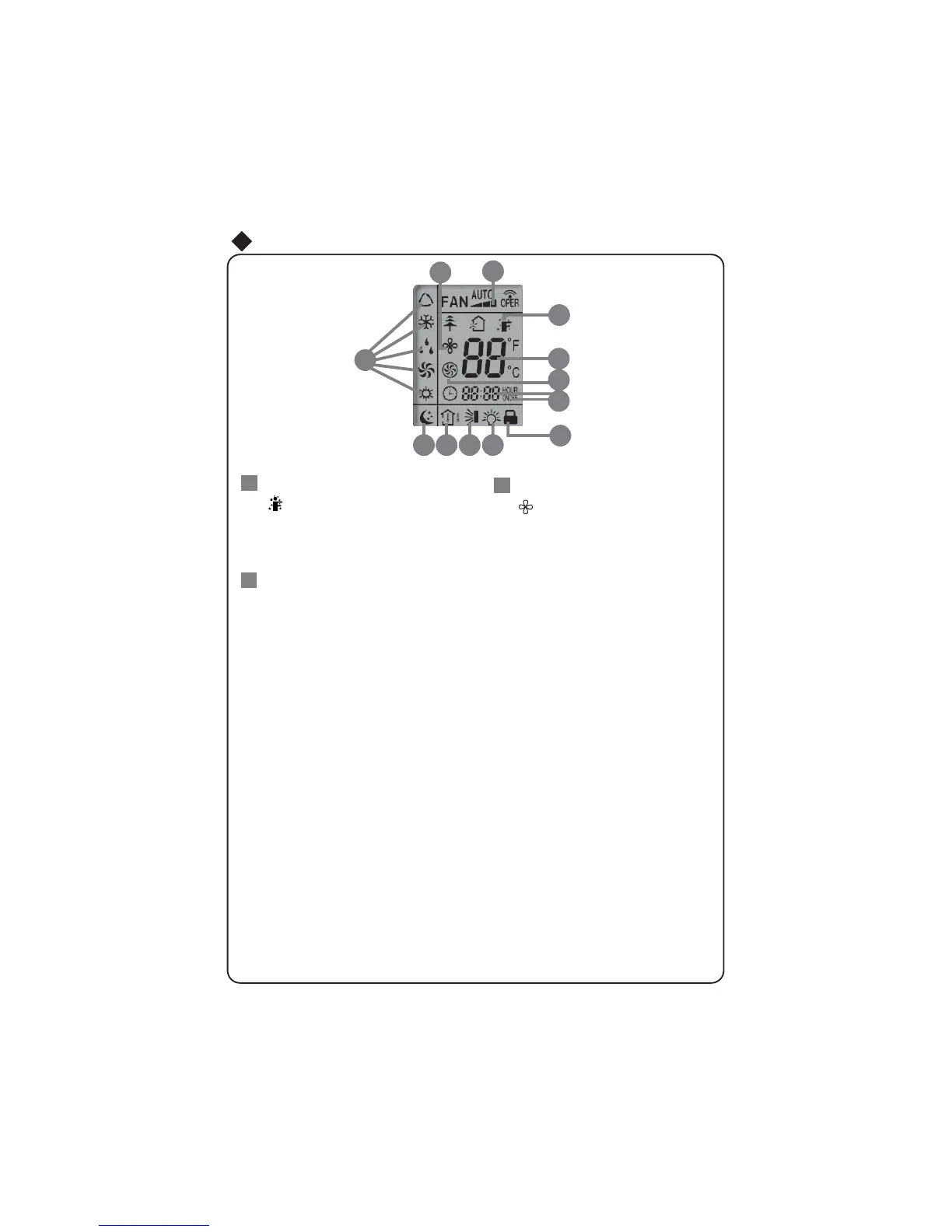
is displayed when pressing the
again to clear the display.
Press FAN button to select the
desired fan speed setting (AUTO-
Low-Med-High).Your selection will
be displayed in the LCD windows,
except the AUTO fan speed.
FAN SPEED display:
is displayed when pressing the
to clear the display.
Operation of Remote Controller
icon:
SENSOR
icon:
EXTEND
EXTEND
button. Press this button
26
25
27
16
1
7
18
19
20
21
22
23
24
27
26
25
SENSOR
button. Press this button
again



 To Next Page