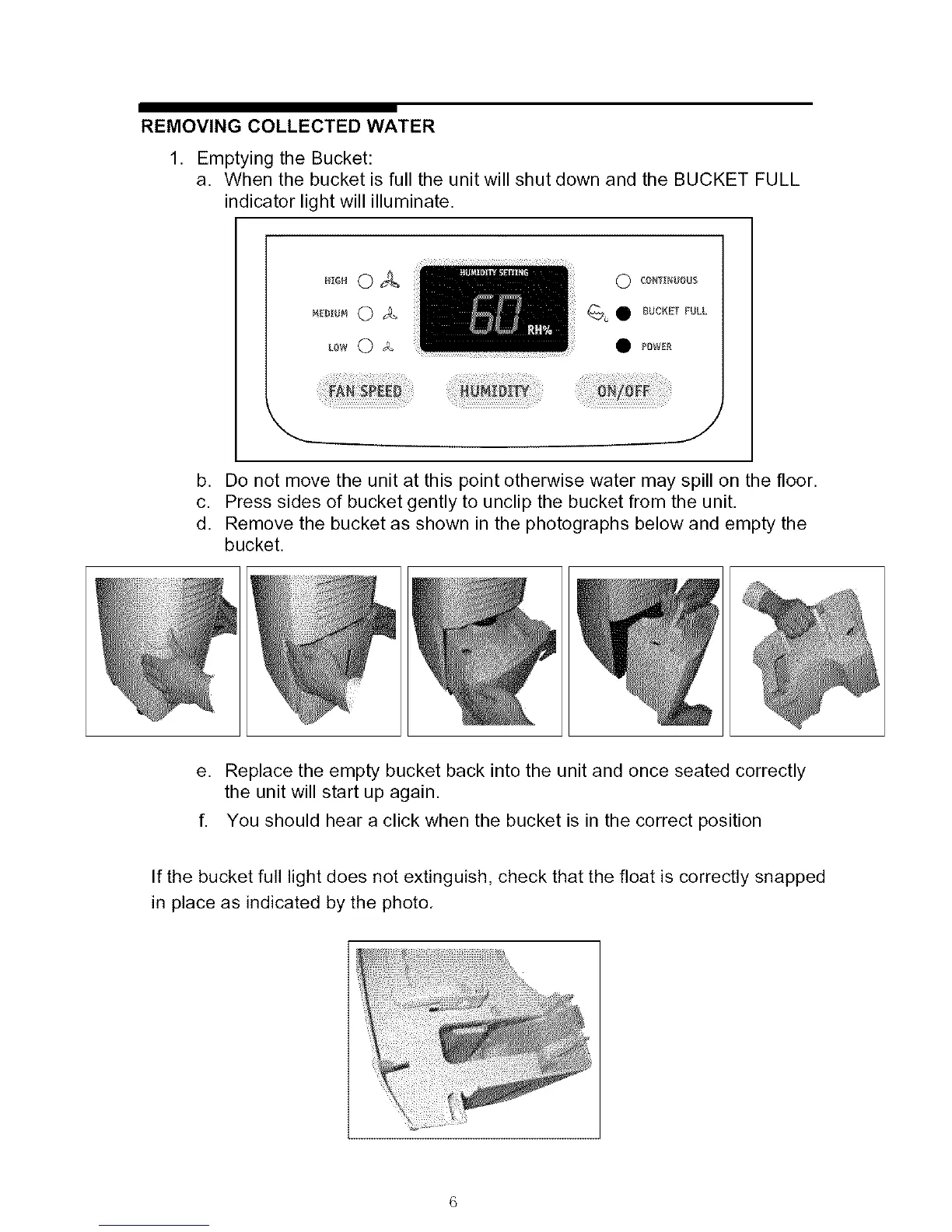
REMOVING COLLECTED WATER
1. Emptying the Bucket:
a. When the bucket is full the unit will shut down and the BUCKET FULL
indicator light will illuminate.
LOW 0 b_
O _ONT_NUOUS
_u 0 BUCKET FULL
PBWE_
b. Do not move the unit at this point otherwise water may spill on the floor.
c. Press sides of bucket gently to unclip the bucket from the unit.
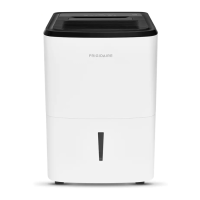
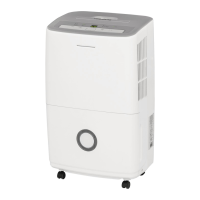
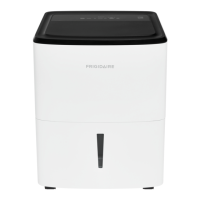
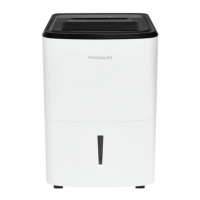
d. Remove the bucket as shown in the photographs below and empty the
bucket.
e. Replace the empty bucket back into the unit and once seated correctly
the unit will start up again.
f. You should hear a click when the bucket is in the correct position
If the bucket full light does not extinguish, check that the float is correctly snapped
in place as indicated by the photo.



 To Next Page