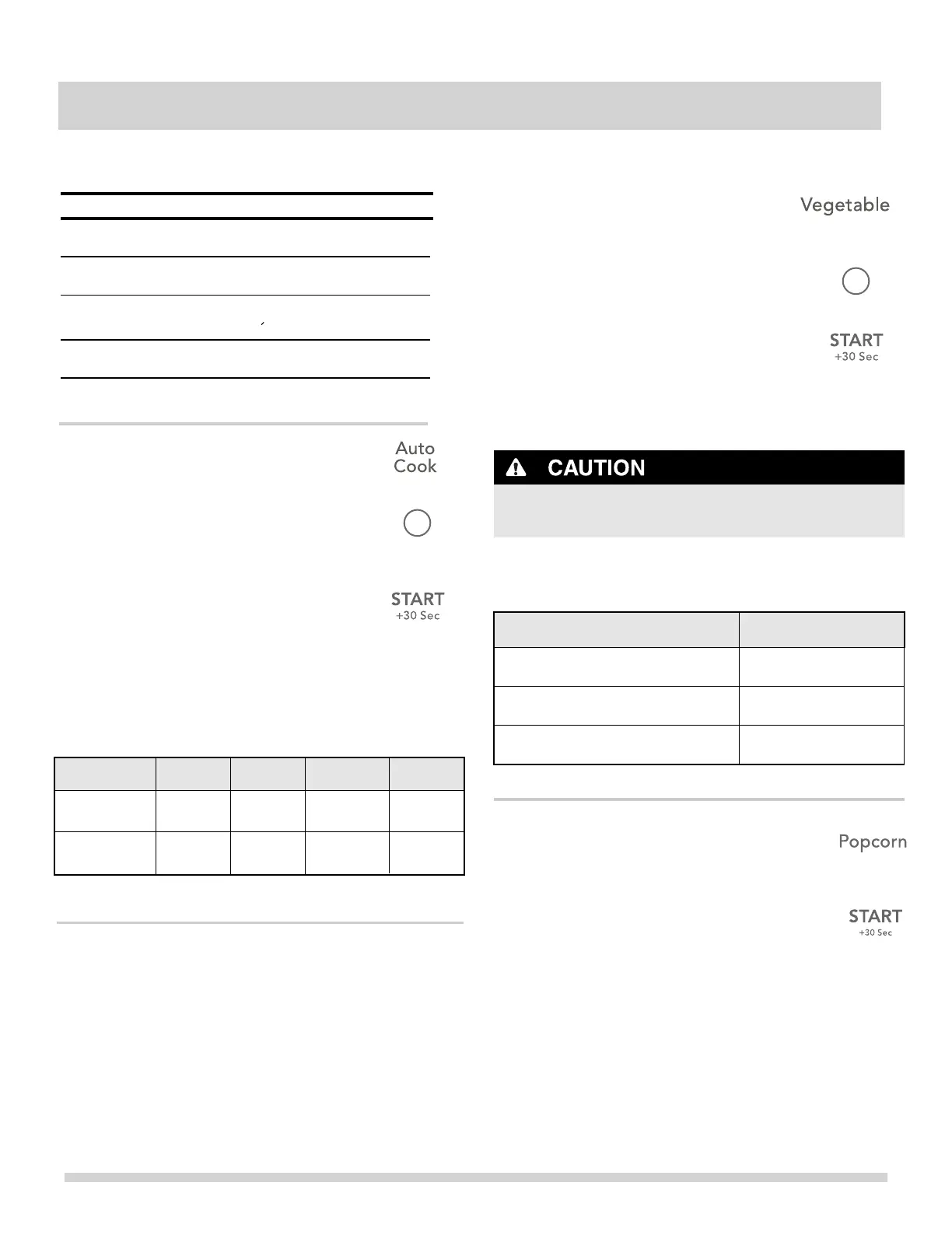
1. Press Popcorn pad 2 times.
2. Press pad.
Popcorn
• DO NOT
popping corn.
The popcorn feature lets you pop 3 different commercially
packaged microwave popcorn sized bags. Use the table
below to determine the setting to use.
Example: to pop a 3.0 oz. bag of popcorn automatically.
Amount
3.0 oz.
Press popcorn pad
once
2 times
3 times
The microwave will beep when finished.
AUTO COOKING
17
3.3 oz. (default setting)
1.75 oz.
Auto Cook
Key Press
x1
x2
x3
x4
Frozen
Entree
1 - 3 slices
Food Amount
Auto
Cook
Auto
Cook
Auto
Cook
Auto
Cook
Bacon
Key
1 - 3
Dinner
Plate
1 - 2 plates 1 - 2
10 oz
20 oz
1 - 2
Rice
1 cup
2 cups
1 - 2
Display
Ac-1
Ac-2
Ac-3
Ac-4
Example: to cook 2 cups of Rice.
1. Press
Press
pad.
The microwave will beep when finished.
Auto Cook pad 4 times.
The vegetable feature heats 1 - 4 cups of vegetables. Use
the table below to determine the setting to use.
Vegetable
Key Press
Food Amount
Key
Display
x1
Vegetable
x1
Vegetable
Fr-1
Fresh
Fr-2
Frozen
1-4 cups
1-4 cups
1 - 4
1 - 4
Example: to cook 2 cups of Frozen vegetables.
1. Press
twice.
Vegetable pad
2. Press
2
2
number pad.
3.
Press pad.
The microwave will beep when finished.
2. Press
2
2
number pad.
3.
+30 sec
START
+30 sec
START
+30 sec
START
leave microwave oven unattended while



 To Next Page