29
SETTING OVEN CONTROLS
Setting Cook Time
Use Cook Time to set the amount of time need-
ed for most oven functions. The oven will turn on
immediately (or after a specifi ed delay) and stop
automatically after the set cook time ends.
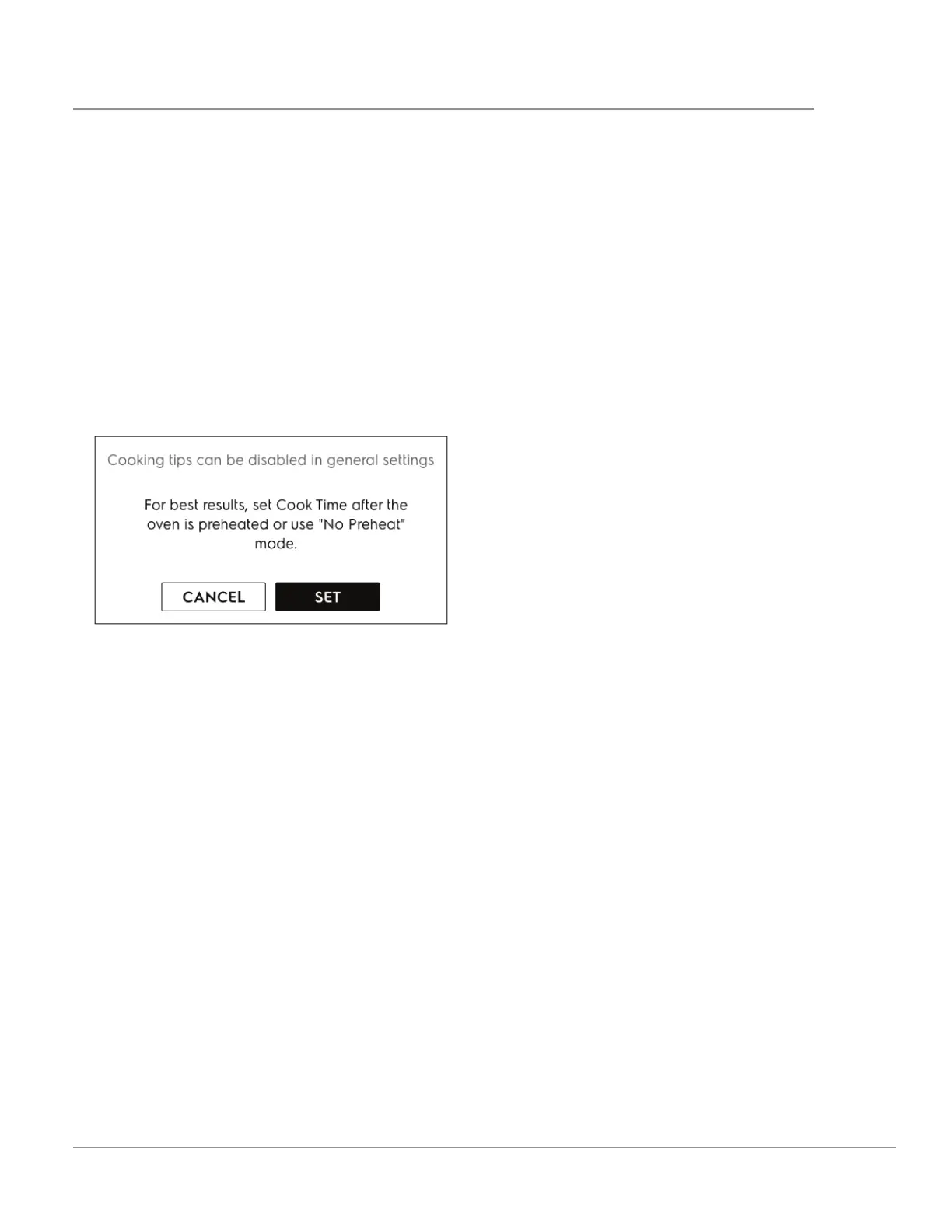
In most cases you will see a cooking tip suggesting
to set Cook Time after the oven is preheated.
When the programmed cook time ends:
• O will appear in the display window
• an alert tone will sound
• the oven will turn o automatically
The O message and an OKAY button will display
until OKAY is touched.
NOTE: The maximum cook time setting is 11 hours
and 59 minutes unless the oven is set for continu-
ous cooking.
To change the oven temperature or cook time
after baking has started:
• Touch + or - on either side of the set tempera-
ture.
• Touch TEMP to access the keypad.



 To Next Page