FRITZ!Box 3370 78
Obtaining an IP Address Automatically
Set up the guest access as follows:
1. Open the FRITZ!Box user interface.
2. In the “Home Network / Network” menu, select the “Net-
work Settings” page.
3. Enable the guest access.
13.2 Obtaining an IP Address Automatically
The FRITZ!Box has its own DHCP server, which assigns IP ad-
dresses to the connected computers. The connected comput-
ers must be configured such that they can receive their IP ad-
dresses automatically. The steps for checking and adjusting
this option differ among the operating systems. See the rele-
vant section for your operating system.
Obtaining an IP Address Automatically in Windows
1. Open the network connections:
Windows XP: Select “Start / Run”, enter “ncpa.cpl” and
then click “OK”.
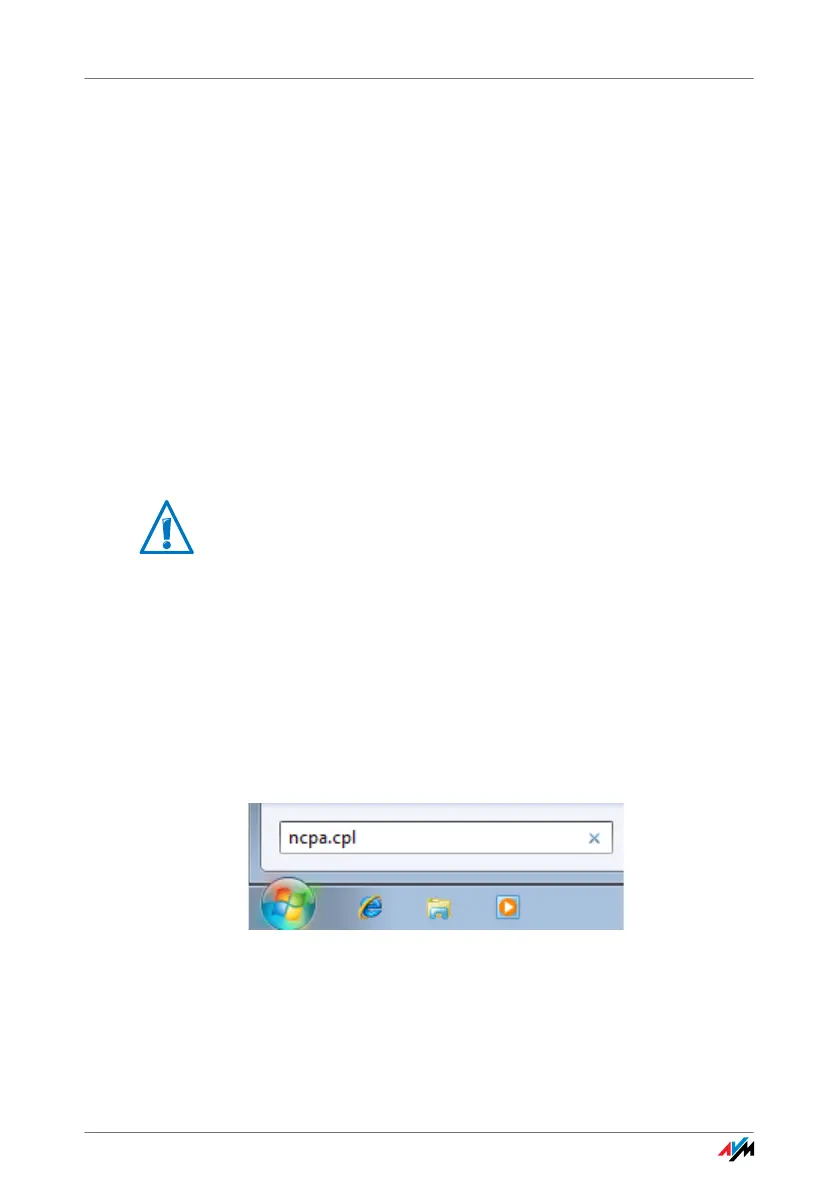
Windows 7 and Windows Vista: Click “Start”, enter
“ncpa.cpl” in the search line of the start menu, and
press “Enter”.
Entering “ncpa.cpl” in Windows 7
2. Click the network connection between the computer and
the FRITZ!Box with the right mouse button and select
“Properties”.
If FRITZ!Box is operated in a network, no other DHCP server
may be activated in this network.



 To Next Page