FRITZ!Fon MT-D 10
Starting Operation of the FRITZ!Fon
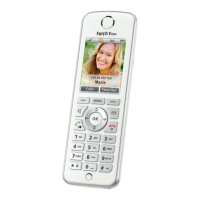
FRITZ!Fon C4 10
2 Starting Operation of the FRITZ!Fon
2.1 Inserting the Battery
1. Place a coin in the slot at the bottom of FRITZ!Fon. Rotate the
coin until the battery cap pops open and take off the battery
cap.
2. Insert the battery. The conductors of the battery must be in
contact with the conductors in the housing.
3. Close the battery compartment.


 To Next Page
 Loading...