FRITZ!Fon MT-D 30
Answering Machine
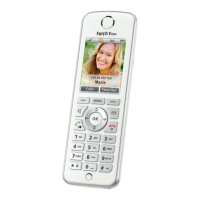
FRITZ!Fon C4 30
Recording a Greeting
You can use the start and end announcements on the answering ma-
chine or record your own announcements:
1. Press the menu key .
2. Select “Answering Machine / OK”.
3. Press the display key “Options” and select “Settings / OK”.
4. Select an operating mode and press “Options”.
5. In the operating mode “With recording”, you select “Start
greeting” and press “OK / Record / OK”.
In the operating mode “Greeting only”, you select “Record /
OK”.
6. Speak the entire greeting and confirm that you have finished
by clicking “OK”.
7. Select “Play / OK” to check your recording.
8. Select “Ring delay / OK”.
9. Specify how many seconds should lapse before the call is
picked up and press “OK”.
10. Select “Activate / OK / Private greeting / OK”.
11. To set up an end greeting in the “With recording” operating
mode, press the “Back” display key.
To return to the start screen, press the hang up key .


 To Next Page
 Loading...