SET UP YOUR NEW
FRONTPOINT SYSTEM
BEFORE YOU PLUG IN YOUR FRONTPOINT HUB,
grab your mobile device.
NEW CUSTOMER?
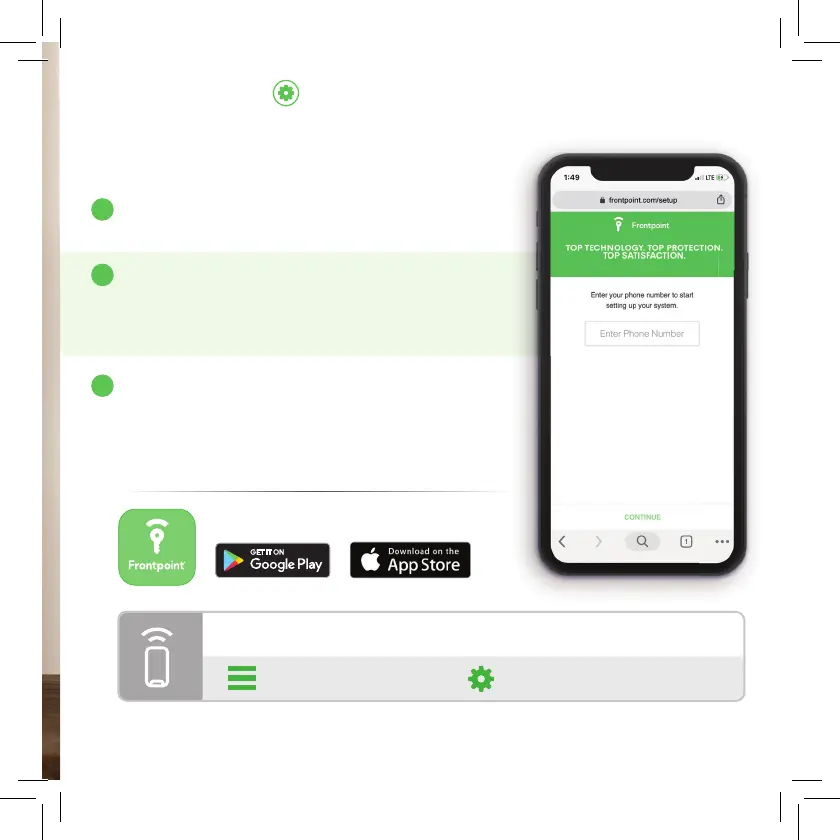
If you’re setting up equipment for the fi rst time,
visit frontpoint.com/setup and follow the steps
in our easy setup wizard.
EXISTING CUSTOMER?
Log in to either the Frontpoint mobile app or
customer portal using your mobile device. Click on
Equipment Setup in the left-hand navigation and
then System Control to initiate your panel swap.
HUB QUICK GUIDE
GET SECURITY ON THE GO.
DOWNLOAD THE FRONTPOINT MOBILE APP.
!
A
B
To access sound or LED brightness settings for the Hub, go through the following
steps in the
Frontpoint app:
> Security System >


 To Next Page