INFO: All your sensors, Hub, and Keypad
have a tamper button inside. If a sensor is
opened or tampered with, that sensor will
report a tamper.
INFO: Your sensor is unable to communicate
with your Hub, most frequently seen when
the battery has been depleted.
INFO: One of your sensors is reporting a low
battery and the batteries should be replaced.
INFO: Your Hub has a low backup battery and
should be plugged in.
INFO: Your Hub is having trouble communicating
via cellular.
Sensor Tamper
Sensor Malfunction
Sensor Low Battery
Hub Low Battery
Cellular Communication Trouble
Check to make sure the sensor hasn’t fallen
and that the casing is secure.
Elevate your Hub to a higher level in the
home, move near a window, and/or make
sure there are no large metal appliances
within 4 to 5 feet of the Hub.
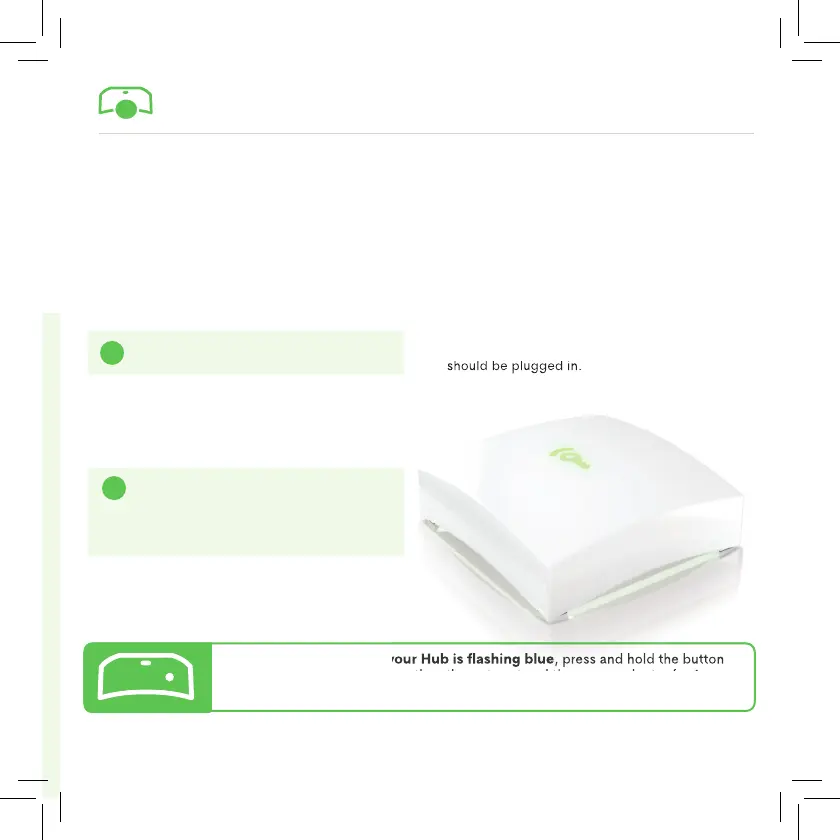
For information on why your Hub is fl ashing blue, press and hold the button
located on the back between the ethernet port and the power adapter for 1
second and the Hub will announce the trouble.
?
HUB SYSTEM ALERTS
For information on why your Hub is fl ashing blue
, press and hold the button
located on the back between the ethernet port and the power adapter for 1
!
!
If the Frontpoint Hub has a blue light,
you may be experiencing one of the
following issues:


 To Next Page
 Loading...