HUB SYSTEM FEATURES
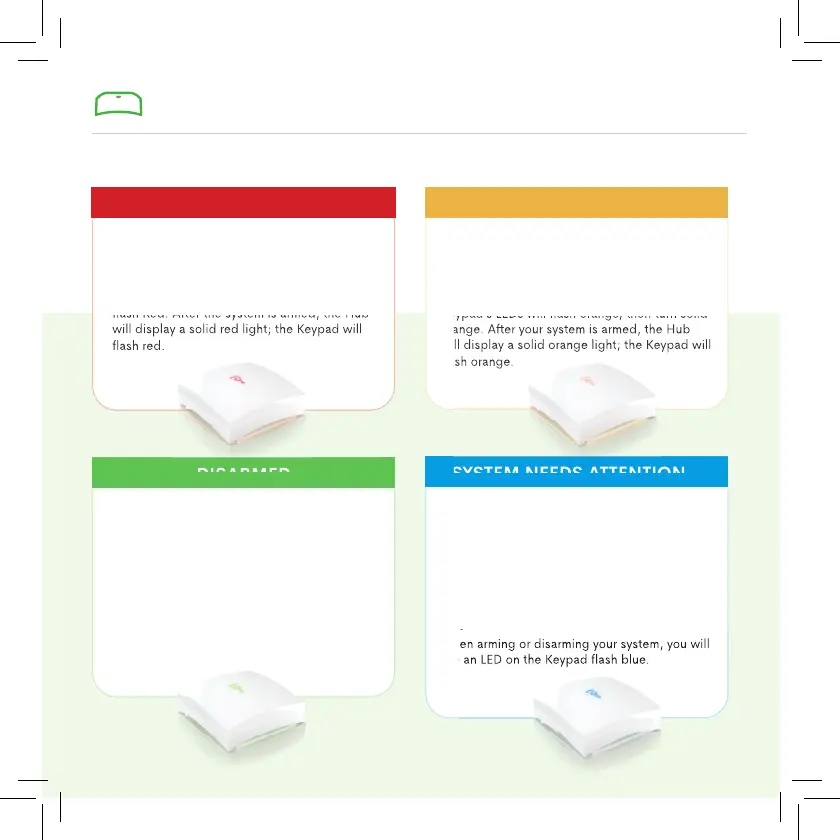
Simply press AWAY.
A RED LIGHT means your system is in Arm
Away mode. While arming for Away, the key
icon and the Hub and Keypad’s LEDs will
fl ash Red. After the system is armed, the Hub
will display a solid red light; the Keypad will
fl ash red.
Simply press STAY.
An ORANGE LIGHT means your system is
in Arm Stay mode (the mode to use when at
home). While arming for Stay, the Hub and
Keypad’s LEDs will fl ash orange, then turn solid
orange. After your system is armed, the Hub
will display a solid orange light; the Keypad will
fl ash orange.
Enter your 4-digit code, then press DISARM.
A GREEN LIGHT means your system is
Disarmed. While disarming, the Hub and
Keypad’s LEDs will turn o before turning solid
green. After your system is disarmed, both the
Hub and Keypad will display a solid green light.
• When in Arm Away mode, the Hub will fl ash
between red and blue.
• When in Arm Stay mode, the Hub will fl ash
between orange and blue.
• When Disarmed, the Hub will fl ash between
green and blue.
When arming or disarming your system, you will
see an LED on the Keypad fl ash blue.
ARM AWAY
SYSTEM NEEDS ATTENTION
ARM STAY
DISARMED
A BLUE LIGHT means there is an issue with
your system.
fl ash Red. After the system is armed, the Hub
will display a solid red light; the Keypad will
Keypad’s LEDs will fl ash orange, then turn solid
orange. After your system is armed, the Hub
will display a solid orange light; the Keypad will
When arming or disarming your system, you will
see an LED on the Keypad fl ash blue.
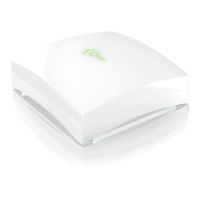
The Frontpoint Hub is the brains of your system and uses LED lights to indicate its current status.


 To Next Page
 Loading...