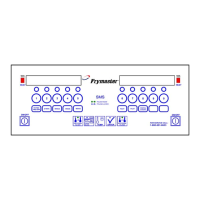
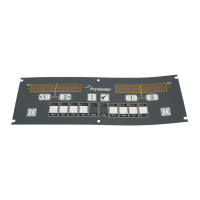
Quick Reference For Programming Codes
8-2
Recovery Check
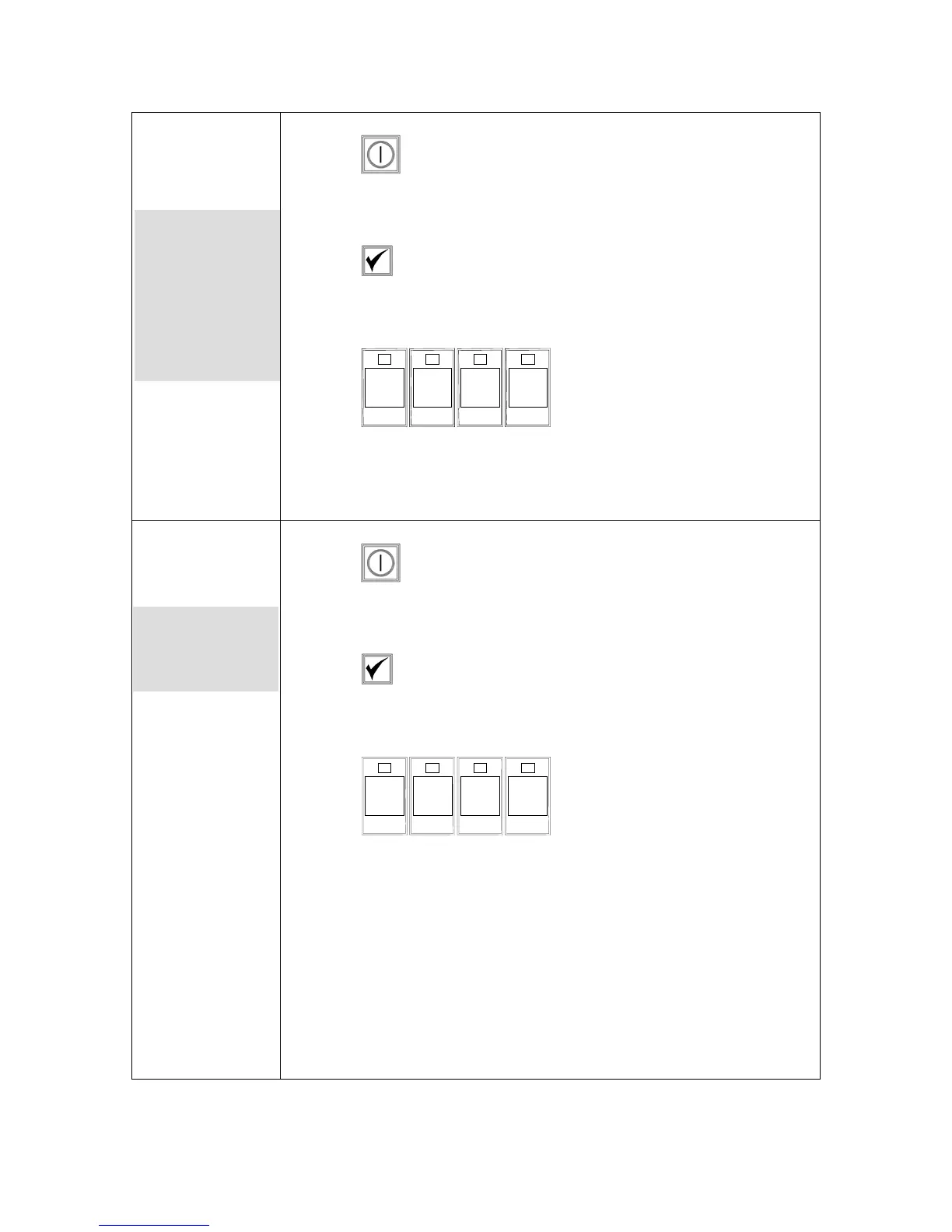
1. Press .
2. Computer displays OFF.
3. Press .
4. code shows in the left display.
5. Press
1 6 5 2
(1652).
6. A time appears in both displays. This code is used to check the
fryer’s recovery time.
Factory Reset
1. Press .
2. Computer displays OFF.
3. Press .
4. CoDE shows in the left display.
5. Press
3 3 2 2
(3322).
6. This is used to set the computer to factory defaults. See detailed
description on pages 3-1— 3-2.
Displays time
required for the
fryer to raise the
temperature of
the oil 50°F
(10°C) during a
critical stage of
warmup.
Reloads factory
settings for
standard menu
items.
Note: Following
a factory reset,
check all cook
times, setpoints,
duty and quality
times to ensure
they are set to
specifications
established for
your restaurant.


 To Next Page