Quick Reference For Programming Codes
8-3
Set Language
Displayed,
Sound Level
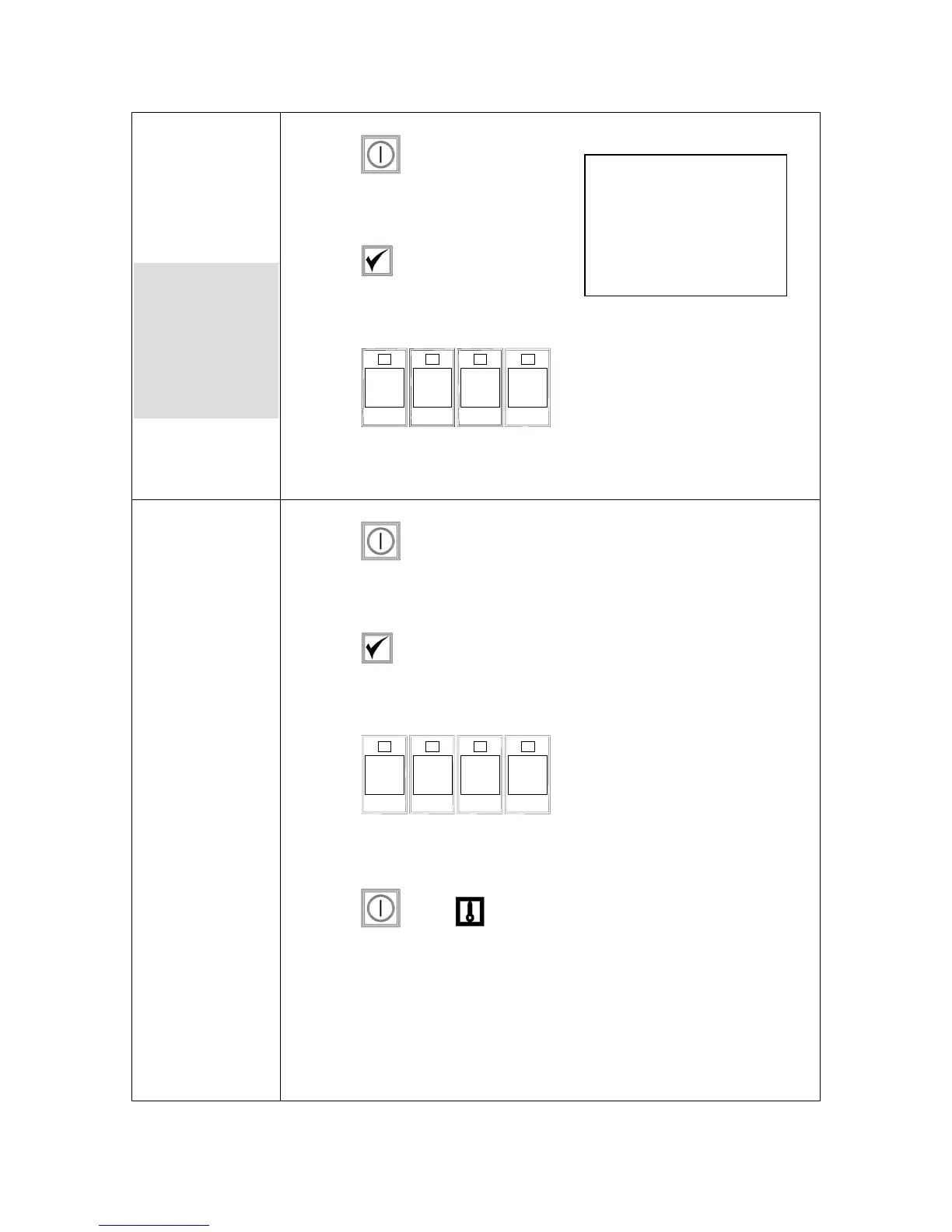
1. Press .
2. Computer displays OFF.
3. Press .
4. code shows in the left display.
5. Press
1 6 5
5
(1655). See pages 3-1 — 3-2
for complete setup instructions.
Changing from
Fahrenheit to
Celsius
1. Press on computer displaying Fahrenheit temperature.
2. Computer displays OFF.
3. Press .
4. CoDE shows in the left display.
5. Press
1 6 5 8
(1658).
6. Computer screen displays go blank briefly then displays OFF.
7. Press . Press . Temperature now displays in Celsius.
Repeat steps 1-7 to change back to Fahrenheit.
Used to set
speaker volume,
choose language
of the computer
display and
domestic or
international
menu defaults.
NOTE: Changing the
language displayed on
the computer or the menu
selection, eliminates any
specialized product
programming entered by
restaurant personnel.


 To Next Page