UHC-HD
3-12
Export
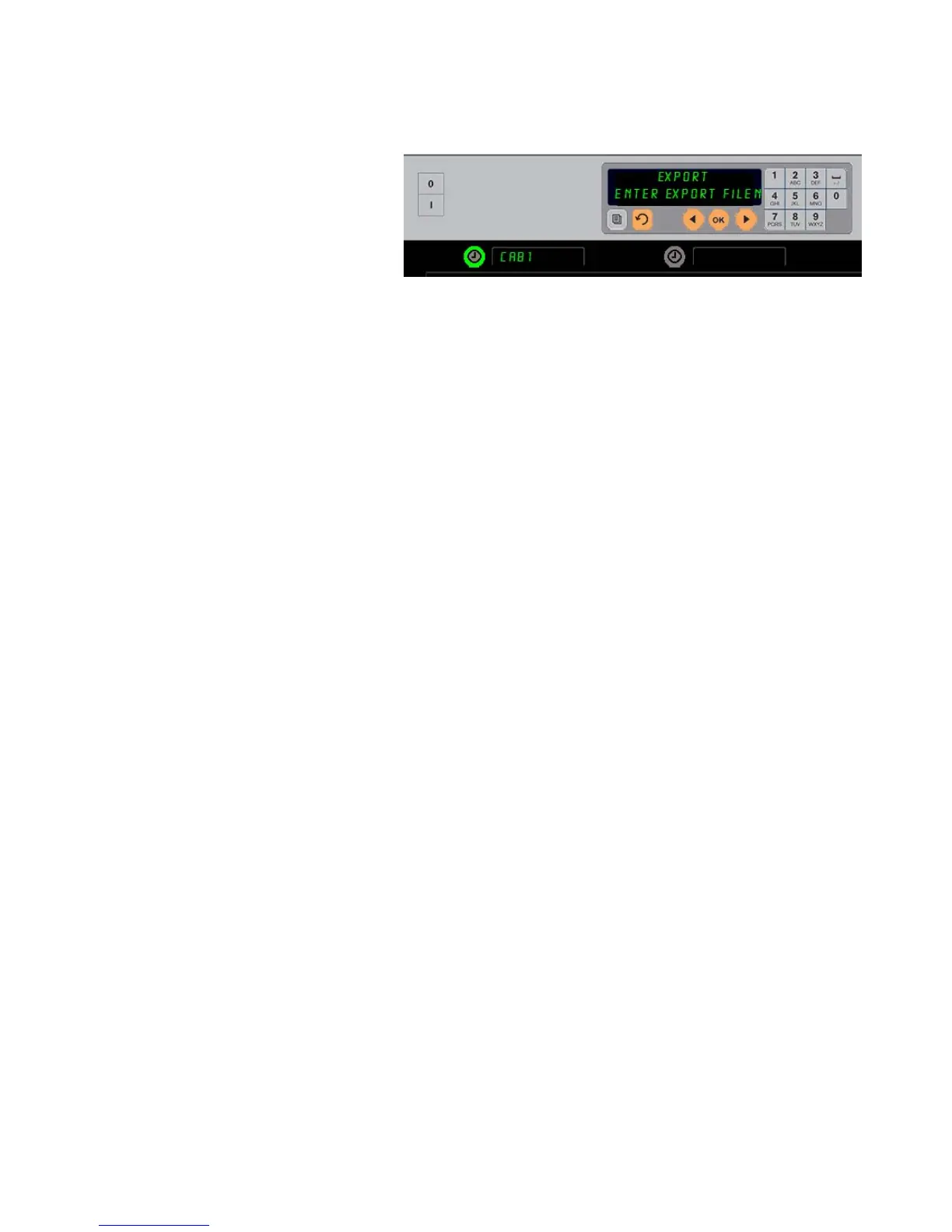
1. With the cabinet in Program
mode, insert a flash drive.
2. Press the timer button next to
exPORT.
3. The top left row button position
lights and the Master Display
screen scrolls Enter
Export Filename
.
4. Enter a name for the file with
the keypad. The letters appear next to the illuminated button. (This is the name the file will
carry and it will be visible in the root of the flash drive and on a cabinet as the file is
imported from the flash drive.)
5. Press OK.
6. CHG Complete is displayed.
7. Press to back out of programming and return the cabinet to regular operation
Version
1. With the cabinet in Program mode, press the time next to Version.
2. Firmware is displayed in the top left row position; the version number is displayed
immediately to the right.
3. USB is displayed in the second left row position; the version number is displayed
immediately to the right.
4. Press to back out of programming and return the cabinet to regular operation.
The file name must be named when exporting it from the cabinet.


 To Next Page