
 Need help?
Do you have a question about the FSK Falcon Global and is the answer not in the manual?
Global SIM card operation and GPRS reporting to a control room.
Details on hardwired inputs, AC monitoring, relay outputs, and communication interfaces.
Methods for programming via serial port and over-the-air.
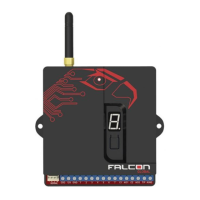
Explains the seven segment display and onboard push-button.
Diagram illustrating the unit's wiring connections.
Using the physical button for serial port selection.
Using software for configuration and updates.
 General
| Brand | FSK |
|---|---|
| Model | Falcon Global |
| Category | Cell Phone |
| Language | English |

 To Next Page