4. PROGRAMMING
4.1 Onboard Push-Button
The onboard push-button is used to change the operation of the
serial port (select the alarm panel).
Refer to Section 3.4
4.2 PC-based Programmer
Falcon Global configuration software utility is a Windows-based
programmer which is used as the primary means of
programming the Falcon Global.
The Falcon Global programmer requires a PC running Windows
XP or above, with an available USB Port. The FSK USB
programming cable is required to program the Falcon Global
(see Appendix B).
To program the unit:
Ÿ Push and hold down the push-button for more than 7 seconds
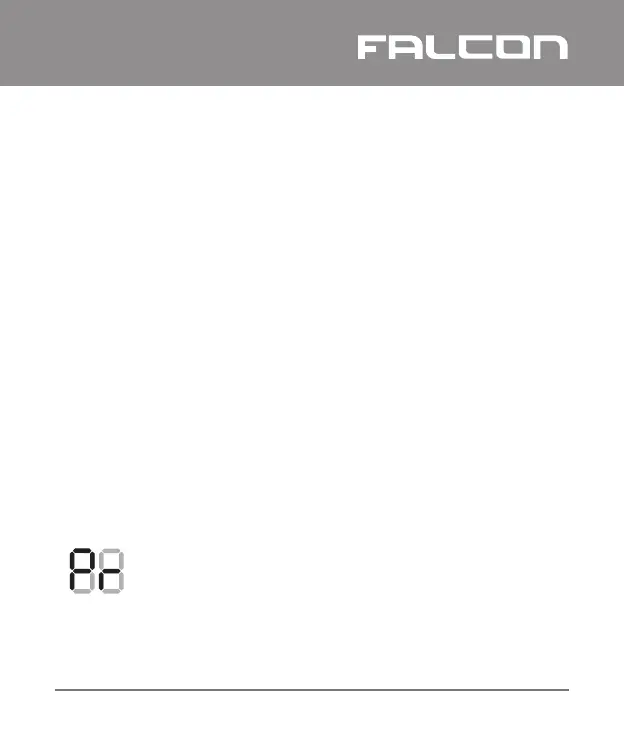
Ÿ The display will now show Pr to indicate that it is in
programming mode
Ÿ The unit will stay in this mode for 20 seconds to allow
programming
Ÿ If the unit exits programming mode, repeat the process
GLOBAL
Falcon Global Installation and Operation Manual I
17


 To Next Page