3.2 Falcon Global Installation
Software version
Connect the Falcon Global to the 12V supply, observing polarity.
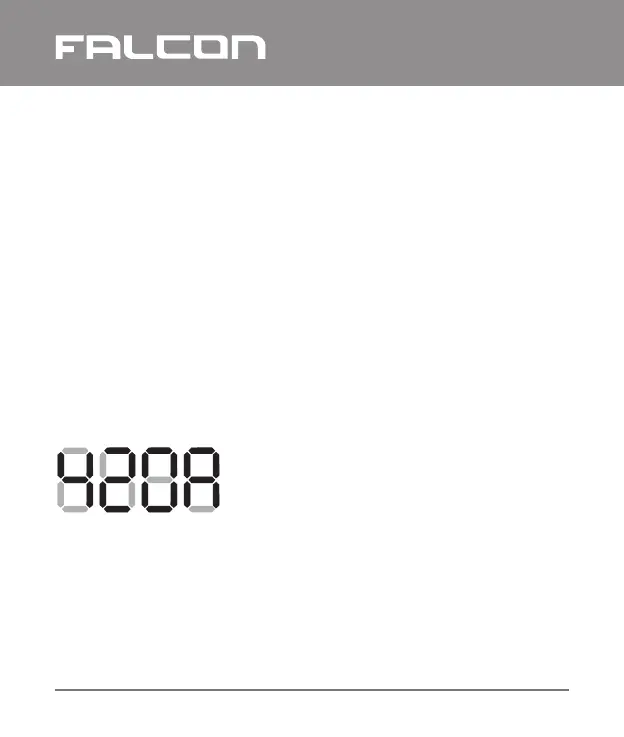
On start-up, the Falcon Global will display its software and
hardware versions, e.g.
3.3 GSM Connection and Signal Strength
The performance of the Falcon Global depends on the quality of
its connection to the GSM network.
The Falcon Global will send alarms quicker and more reliably if it
has a strong connection to the GSM service provider.
For the software version 4.20 and
hardware version A
3.1.6 Relay Outputs
Two dry-contact relay outputs are available on the Falcon
Global. These outputs can be commanded to turn on and off via
the GSM network. The outputs are rated at 24V AC or DC, up to
a maximum current of 5A.
Do not connect the relay outputs to the mains supply.
GLOBAL
I Falcon Global Installation and Operation Manual
10


 To Next Page