Installing the Falcon Global Configuration Software
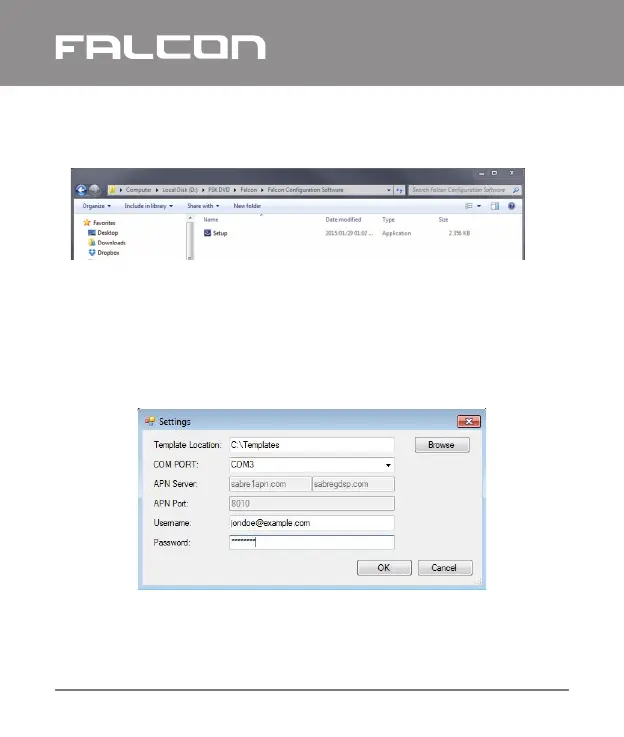
On the FSK DVD, navigate to the following directory:
Double click on the setup.exe application and follow the
instructions.
Upon opening the software for the first time it will require an
initial setup. The following window will pop up:
Select the folder where the templates will be saved for Falcon
Global devices.
GLOBAL
I Falcon Global Installation and Operation Manual
26


 To Next Page