20
10/2021
5(&25' 0(18
(17(5
&$3785( 3$7,(17
32:(5
5(: ):'
6723
3/$<3$86(
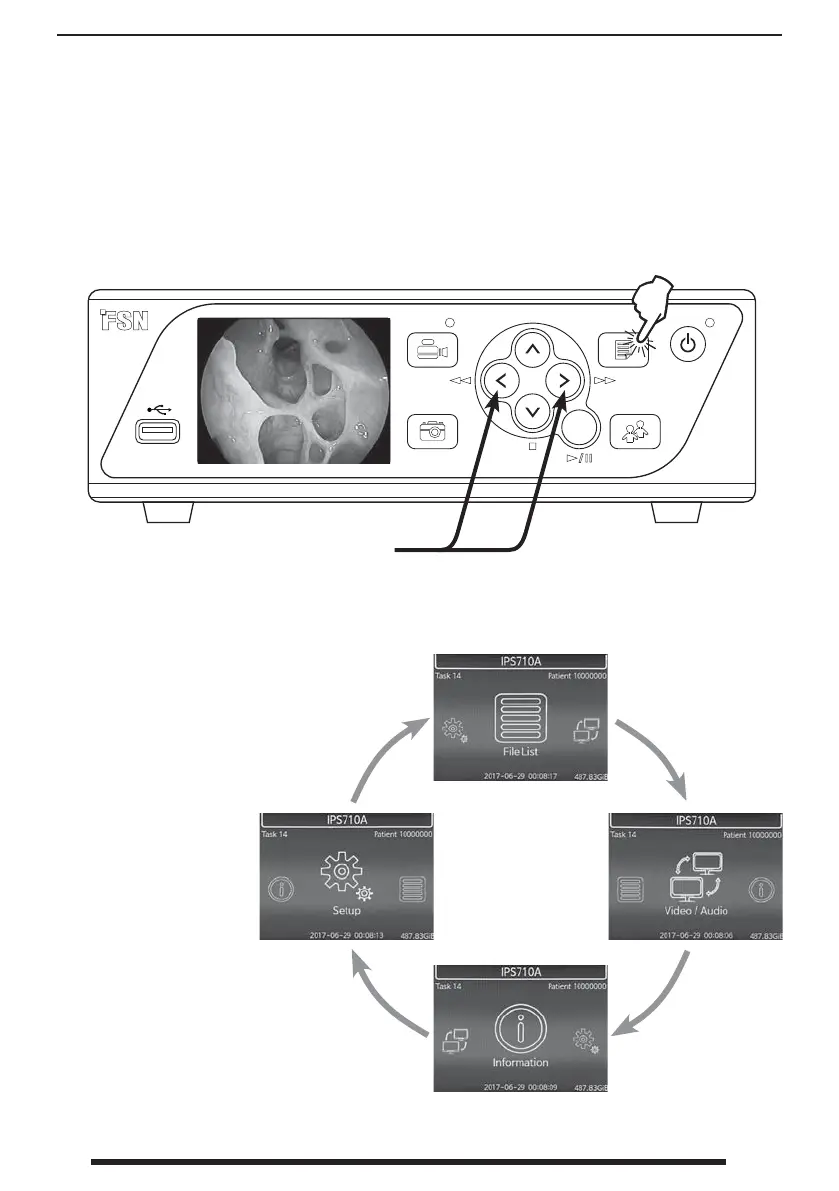
Internal Front User Interface IPS710A
File List
options
Information options
Video /
Audio
options
Setup
options
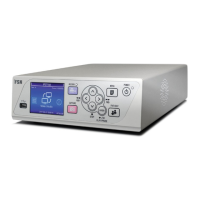
The LCD screen on the front of IPS710A is primarily used as a live preview for the active input
video source. The LCD can also be used as a secondary method to adjust some user interface op-
tions for File List, Audio/Video, Information, and Setup.
To navigate the front user interface,
select ENTER to move to the next screen,
con rm a value, or play a le. Select
MENU to go back to the previous screen
or back to live preview.
Use the left or right arrow buttons to scroll
through the available menu screens.
Press the MENU button to access
the internal front user interface.
Preview of video source.


 To Next Page