34
10/2021
21
2))
&$3785
5(&25
*6',
,1387
9'&,1
9$&
+]
287387
3('$/
*6',
,1387
'3,1387
+'0,
,1387
021,725
287387
287387
32:(5
32:(5
Turn Power On IPS740 series
Turn Power O
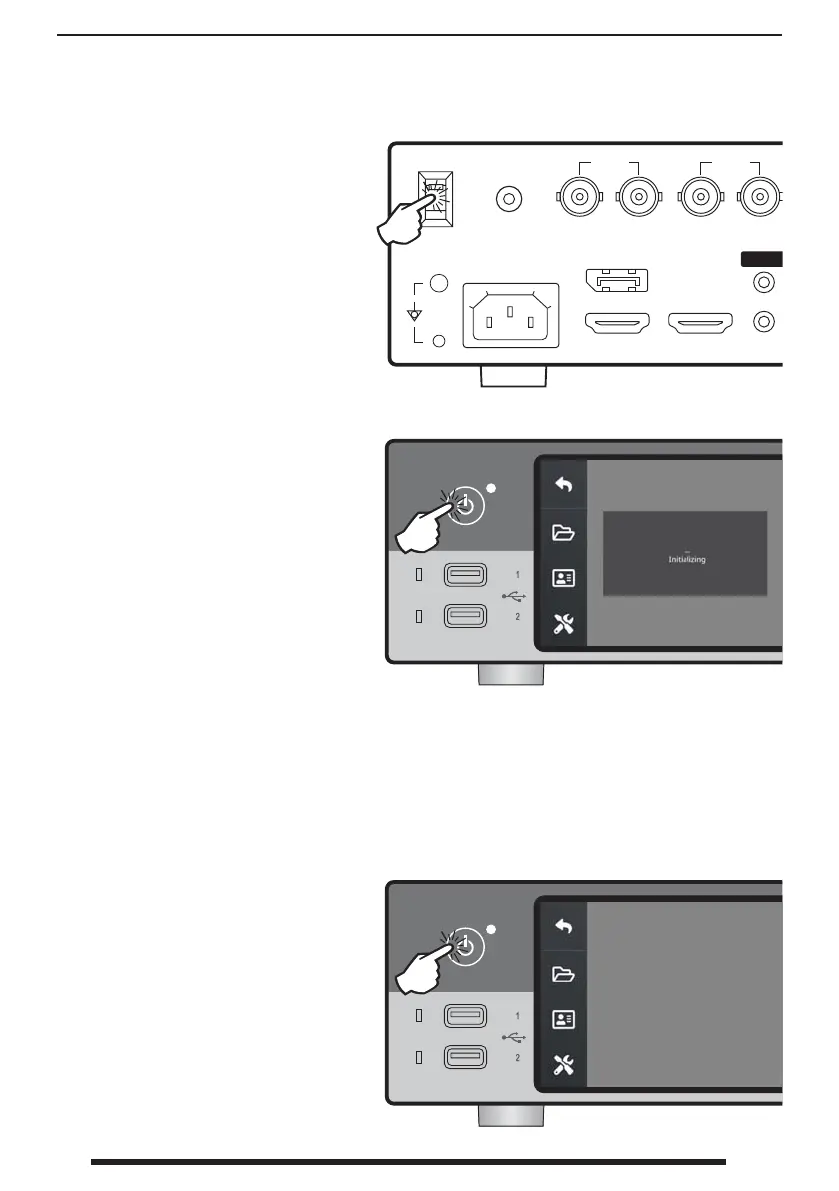
Move the AC On/O switch on the
back panel to the ON position.
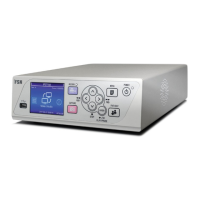
Press the power button on the
front panel to start the initialization
process.
Press the power button on the front
panel and follow the directions on
the user interface.
Powering o with this method will
shut down the unit, however the back
AC On/O switch will remain in the
ON position.


 To Next Page