33
10/2021
32:(5
5(&25'
&$3785(
32:(5
5(&25'
&$3785(
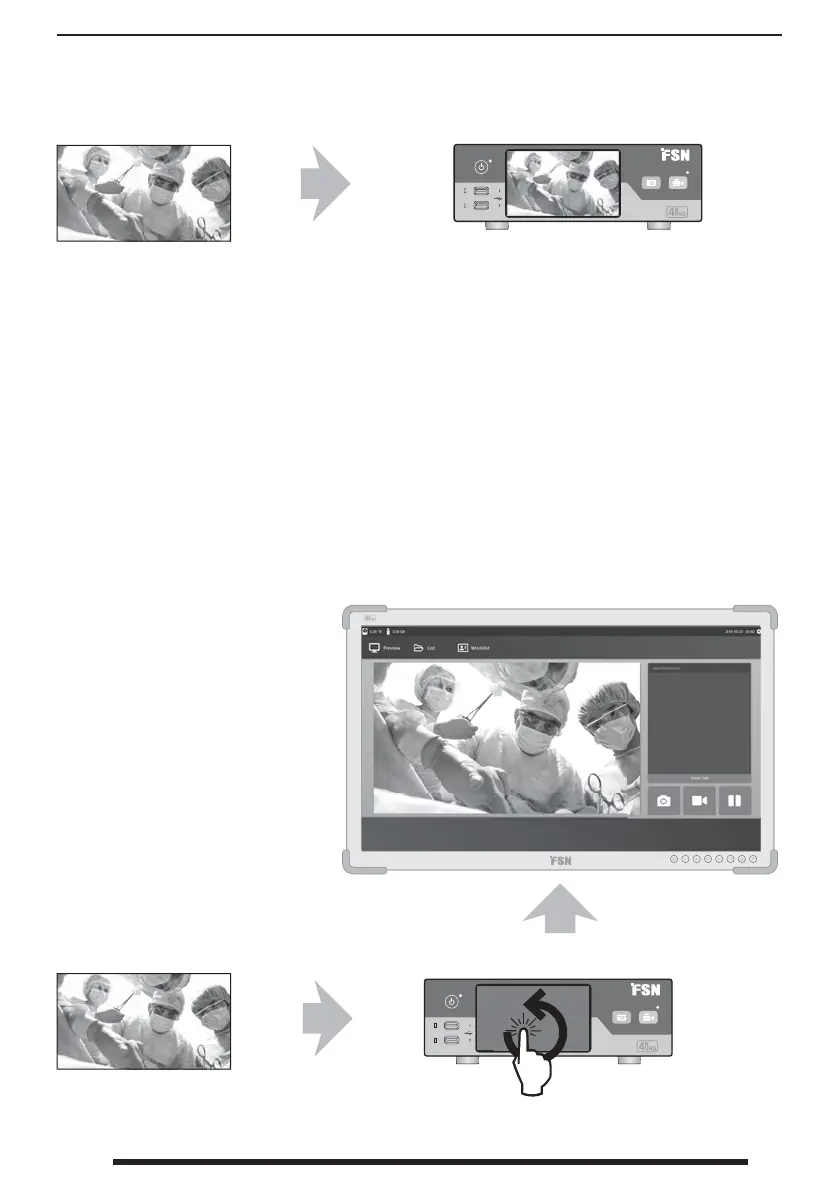
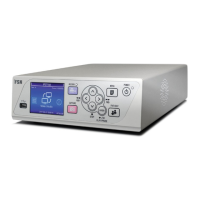
User Interface - Front Panel Only IPS740 series
User Interface - Front Panel and External Monitor
Video source.
Connect to back
of recorder.
Connect to back
of recorder.
Connect to back of recorder.
Video source.
Active signal is previewed on the front panel
LCD. Tap the LCD to show icons for:
• Home • File
• Worklist • Setup
• Monitor (if connected)
• Task, create new or close active
Active signal and icons are
previewed on the connected
external monitor. Use the front
panel LCD as a touchpad to
move the cursor and select
items on the external monitor.


 To Next Page