Need help?
Do you have a question about the FTE Maximal MAX T220 HD and is the answer not in the manual?
Covers risks of electric shock, prohibition of opening the unit, and battery replacement hazards.
Details precautions against liquids, flames, proper ventilation, climate, power supply type, and object entry.
Explains cleaning, attachments, locating, moisture, parts replacement, and necessary safety checks.
Guides coaxial cable connection and the need for HDMI or SCART for TV output.
Illustrates different connection scenarios with diagrams for setup.
Configures the default HDMI output video mode and lists supported resolutions.
Guides through initial settings like region, language, video resolution, aspect mode, and auto scan.
Manages TV and Radio channel lists, including deletion of all stored channels.
Accesses system information, factory settings, USB upgrades, auto standby, and network options.
Configures language, TV system, display, time, parental lock, OSD, and favorite groups.
Enables playback of recordings, video, music, and images from USB storage.
Provides options for automatic, manual channel scanning, and channel list management (LCN).
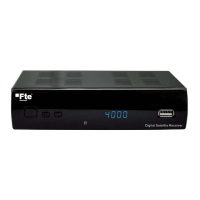
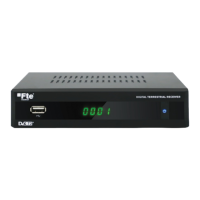
Details the front panel components including USB, LEDs, display, and buttons.
Describes all rear panel connectors like RF IN/OUT, HDMI, SCART, Ethernet, and DC IN.
Explains the specific function of each button on the remote control unit.
Guides on how to program the remote control for TV functions.
 General
| Brand | FTE Maximal |
|---|---|
| Model | MAX T220 HD |
| Category | Receiver |
| Language | English |

 To Next Page