53
per minute / max. speed: 10 km/h) or press and hold MODE for 3 seconds to enter the data
according to your personal wish. You may then enter age, target heart rate and max. speed with
the "SPEED+ "/"SPEED-" resp. "INCLINE+ "/"INCLINE-keys and press MODE for confirmation.
You also need to enter a target time (default: 10 minutes, setting range: 10:00 to 99:00). After
time setting, press MODE for confirmation and START to begin the exercise.
All entered data is for single use only, the data will not be saved for future exercises.
During exercise, the computer will change incline and speed automatically according to the heart
rate target. However, you may additionally adjust incline and speed with the "SPEED+
"/"SPEED-" resp. "INCLINE+ "/"INCLINE-" keys. The exercise will start at a speed of 3 km/h.
The system will check your heart rate every 20 seconds.
- If the detected heart rate is less than 90% of target heart rate, speed will accelerate 1.0km/h.
- If the detected heart rate is less than 95% of target heart rate, speed will accelerate 0.5km/h.
- If the detected heart rate is less than 97% of target heart rate, speed will accelerate 0.3km/h.
- If the detected heart rate is between 97%-103% of target heart rate, speed will not change.
- If the detected heart rate is more than 110% of target heart rate, speed will decrease 1.0km/h.
- If the detected heart rate is more than 105% of target heart rate, speed will decrease 0.5km/h.
- If the detected heart rate is more than 103% of target heart rate, speed will decrease 0.3km/h.
When maximum speed is reached, but heart rate is more than 103% or less than 97% of the
target heart rate, system will decrease or increase or decrease incline step by step, until the
heart rate is between 97%-103% of target heart rate.
If there is no heart rate signal for more than 30 seconds, computer will show "NO HR".
If after 20 seconds still no signal can be detected, the treadbelt will stop.
Bodyfat measurement
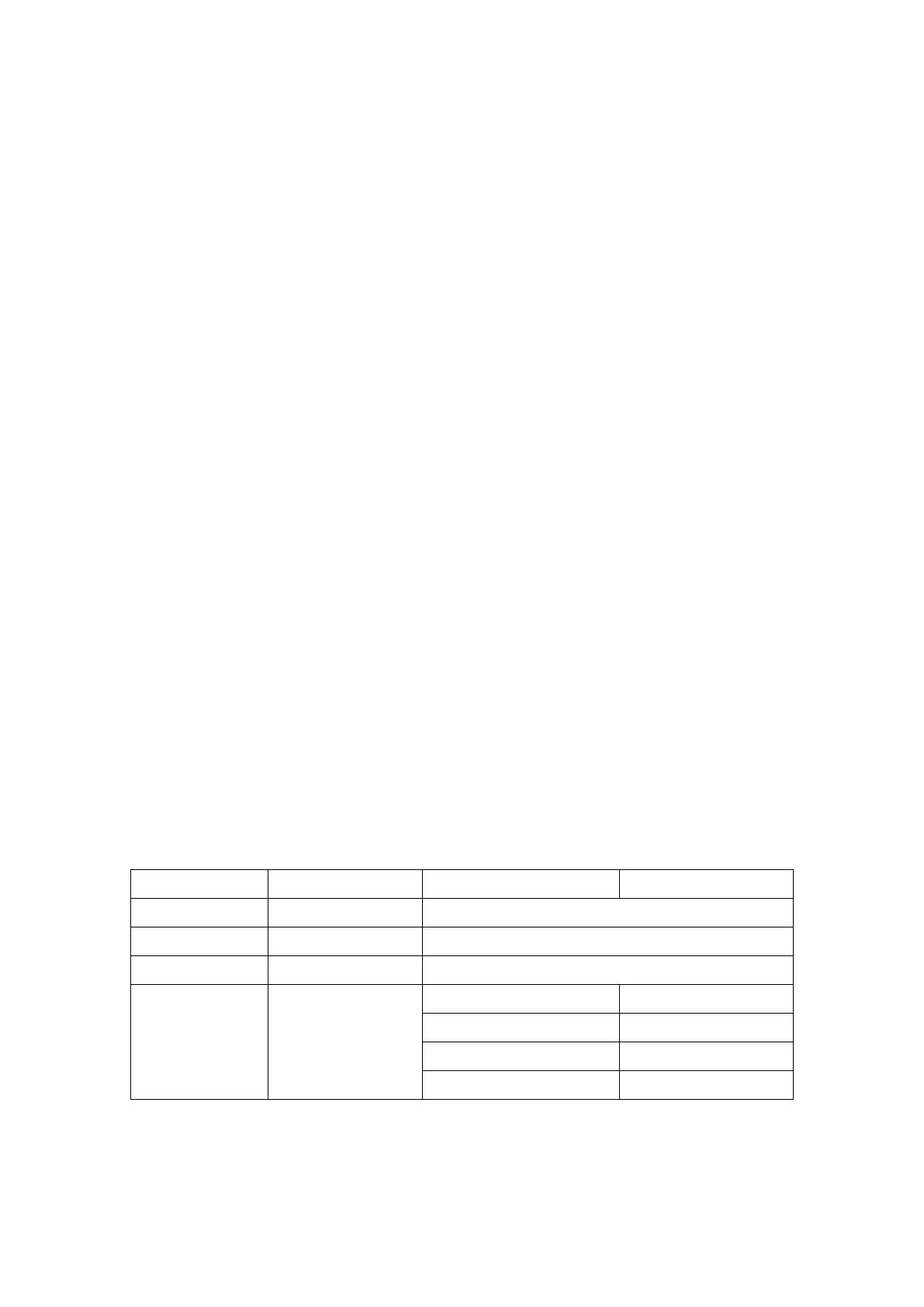
Press PROGRAM button in standby mode, until “FAT” appears. Press MODE to enter the
necessary setting procedure (starting with “F-1” - see table below). You can input the data with
the "SPEED+ "/"SPEED-"keys and press MODE to confirm. Upon entering “F-5”, the window
shows “---“ – keep your hands holding the hand pulse sensors for 8 seconds, until the fat
measurement is finished. The results are not suitable for medical purposes.


 To Next Page
 Loading...