User Manual Fugoo Style Bluetooth Speaker Model F6SP page 2 1/10/2020
In the box
•
Fugoo Bluetooth Speaker
• Charger
• Micro USB cable
• Startup Guide
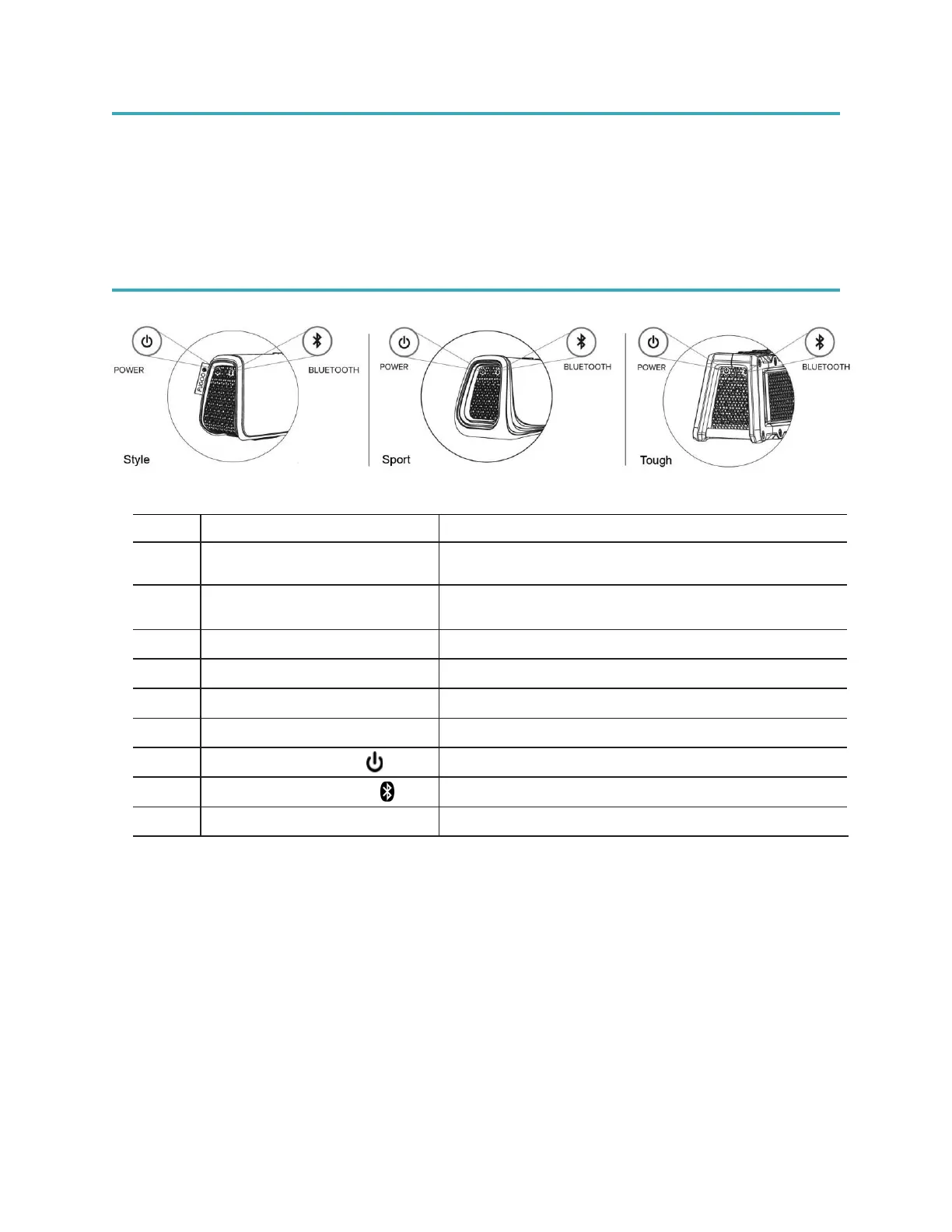
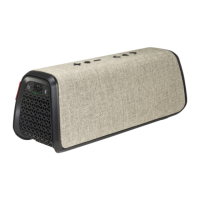
Fugoo Bluetooth Speaker controls
1
Micro-USB charging connector
/ update port
For charging the speaker, and for its firmware
2 3.5mm audio input jack
For playing music from the headphone output of
another device
3
Microphone
For speakerphone function
4
Volume down button ( - ) Decreases loudness
5
Action button (
)
Pause / Play and speakerphone control.
6
Volume up button (
+
) Increases loudness
7
Turns the speaker on / off
8
For pairing with other Bluetooth devices
9
LED indicator
Indicates status of the speaker


 To Next Page