Copy
82
Copy
3
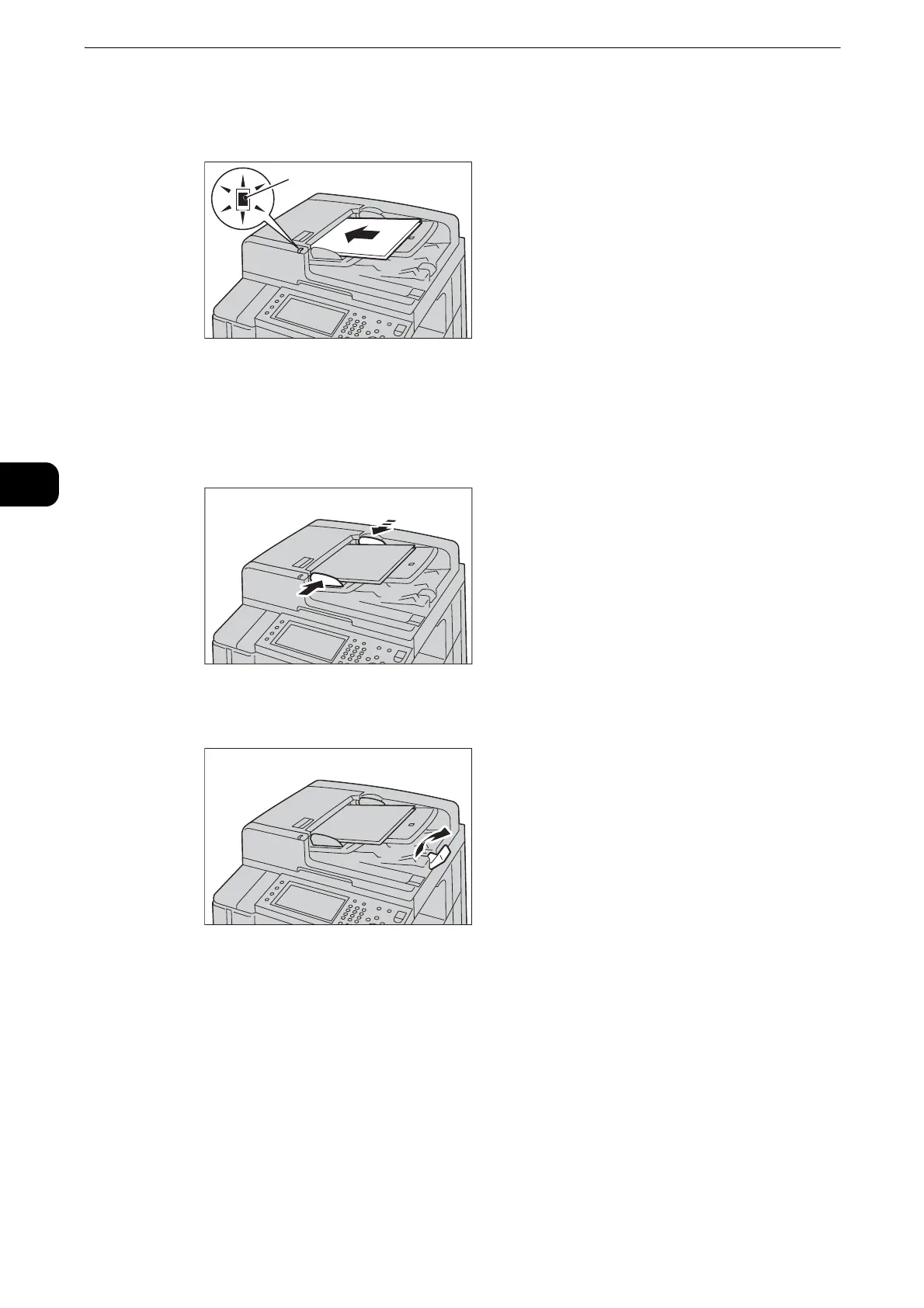
2 Load the document face up (when the document is 2-sided, load the front side up) in the
center of the document feeder.
z
The Confirmation indicator lights up when the document is loaded correctly. If the indicator does not light,
load the document again.
3 Adjust the document guides to match the size of the document loaded.
4 Raise the document stopper.



 To Next Page
 Loading...


