48
2
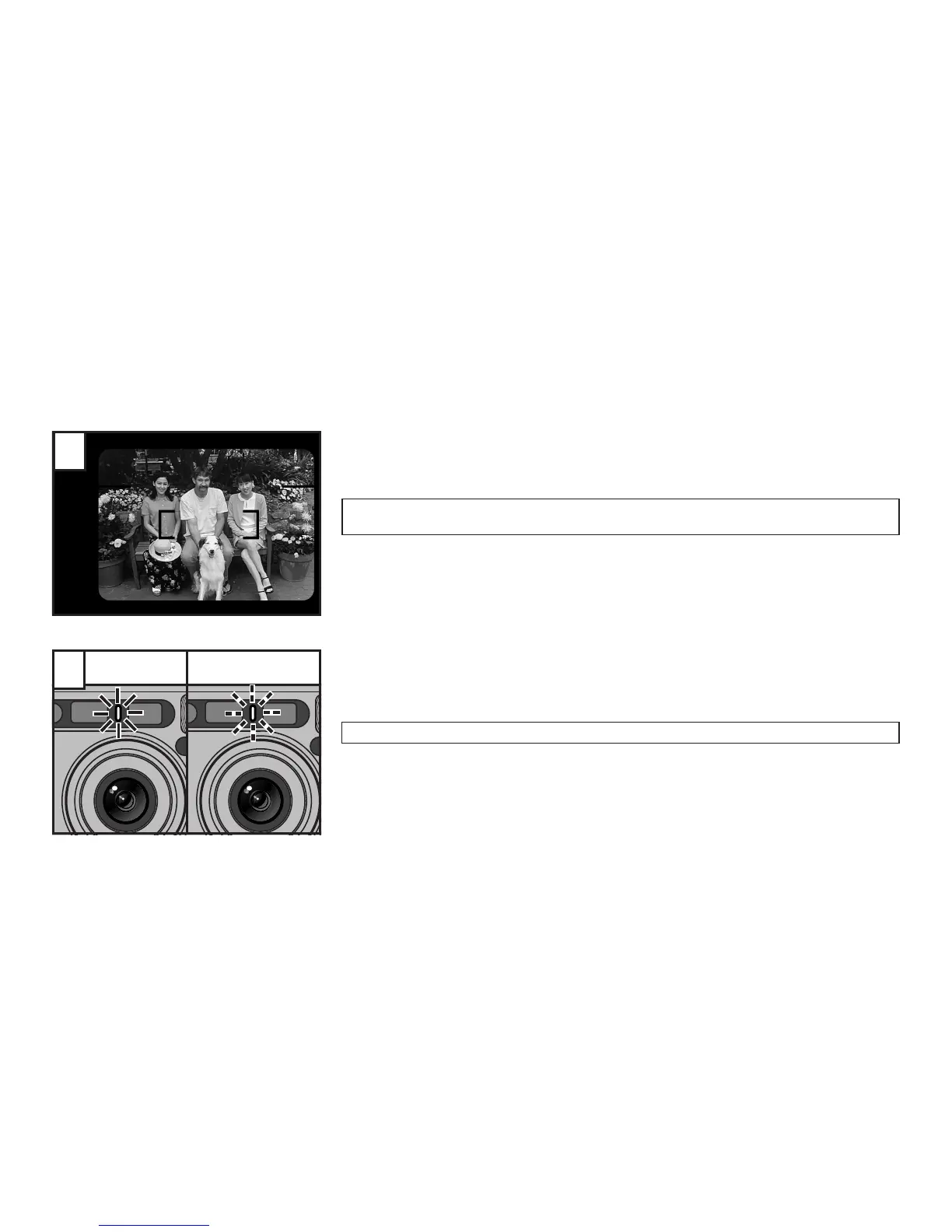
Compose the picture and press the shutter release button.
☞
The camera focuses on the subject that the AF frame is positioned over, and then the self-timer
starts.
∗
You can select the Auto-Focus lock mode also. (→p.33)
When pressing the shutter release button, do not stand in front of the camera. This may cause a
focusing error or underexposure.
After the self-timer lamp remains lit for about 7 seconds, it blinks for about 3 sec-
onds, and then the shutter is released. When taking consecutive exposures, the
shutter is released the set number of times at an interval of between 3 and 9 sec-
onds.
To cancel the self-timer mode after the self-timer has started, press the MENU/SET button.
3





 To Next Page