The accessory rubber feet are designed to prevent slipping. Install these feet at the four
corners of the DPC-R1, as required.
✽ Install the software before connecting the USB cable to your computer.
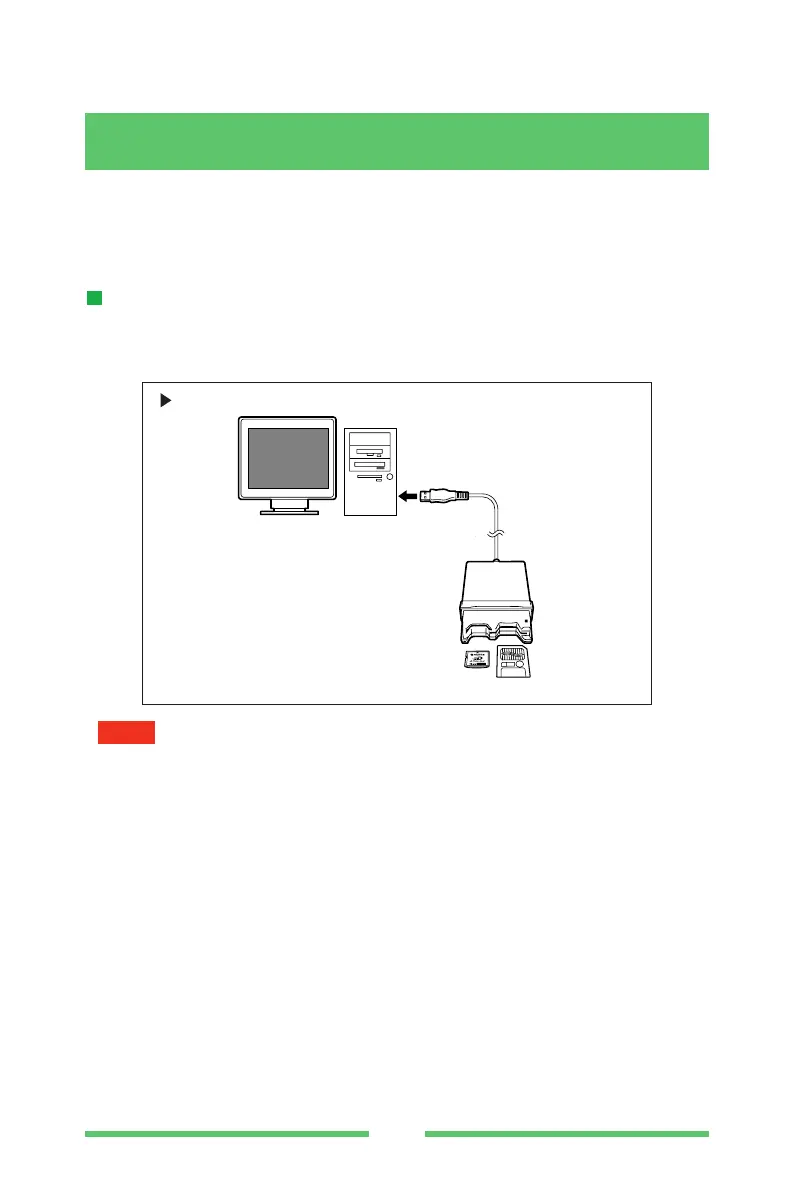
USB cable connection
Connect the DPC-R1 directly to the USB port on the personal computer base unit as
shown below.
•Insert the USB cable fully and firmly. Improper connection will cause the DPC-R1 to
malfunction.
•The DPC-R1 can be connected and disconnected even while the personal computer
power is on.
•When there are two or more USB connectors, the DPC-R1 can be connected to any
port.
• If connected through a USB hub, depending on the type of hub, the DPC-R1 may
malfunction. In this case, connect the DPC-R1 directly to the personal computer.
NOTE
USB cable
(DPC-R1 accessory)
Personal computer
DPC-R1
xD-Picture Card
SmartMedia
IBM PC/AT compatible, Macintosh



 To Next Page