8
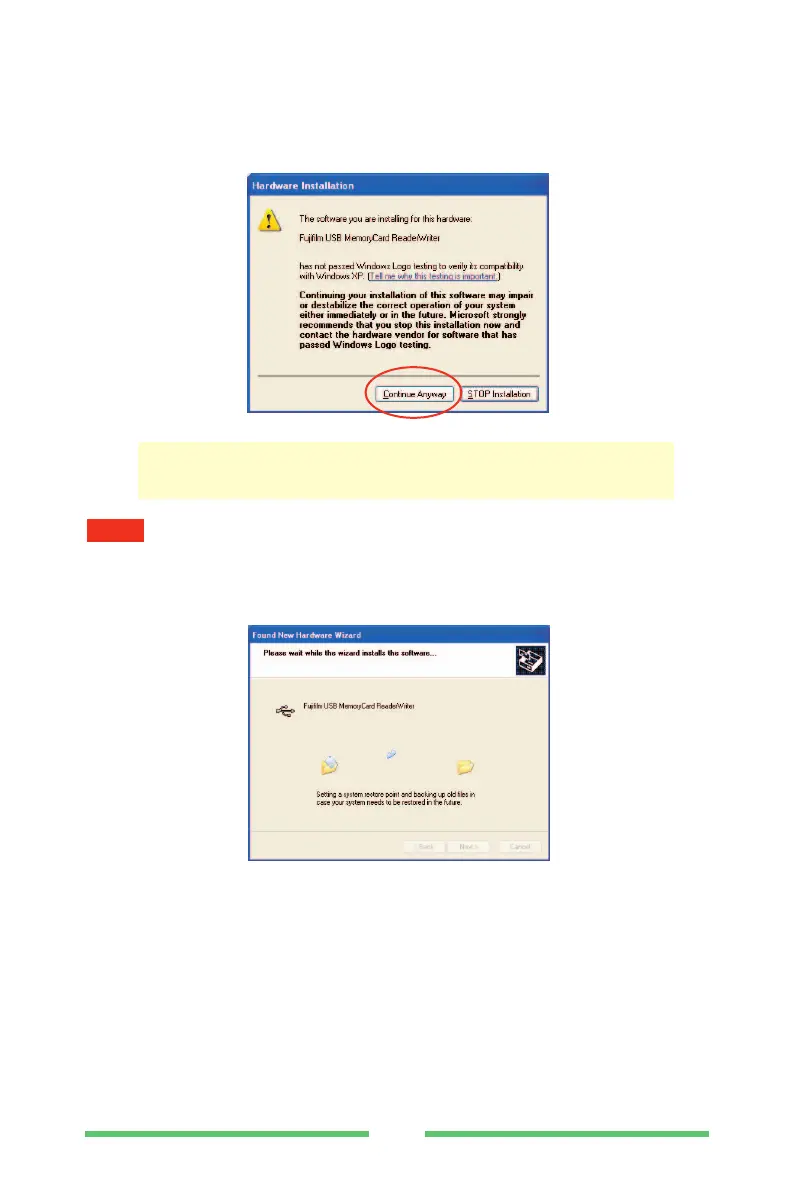
(3) A warning message such as the one shown below may appear. If so,
click the [Continue Anyway] button.
Note that clicking the [STOP installation] button requires you to redo the installation
from the beginning.
(4) The software installation window appears.
NOTE
Tests are being performed to ensure that there are no problems
with DPC-R1 Driver operation.



 To Next Page