EasyManua.ls Logo

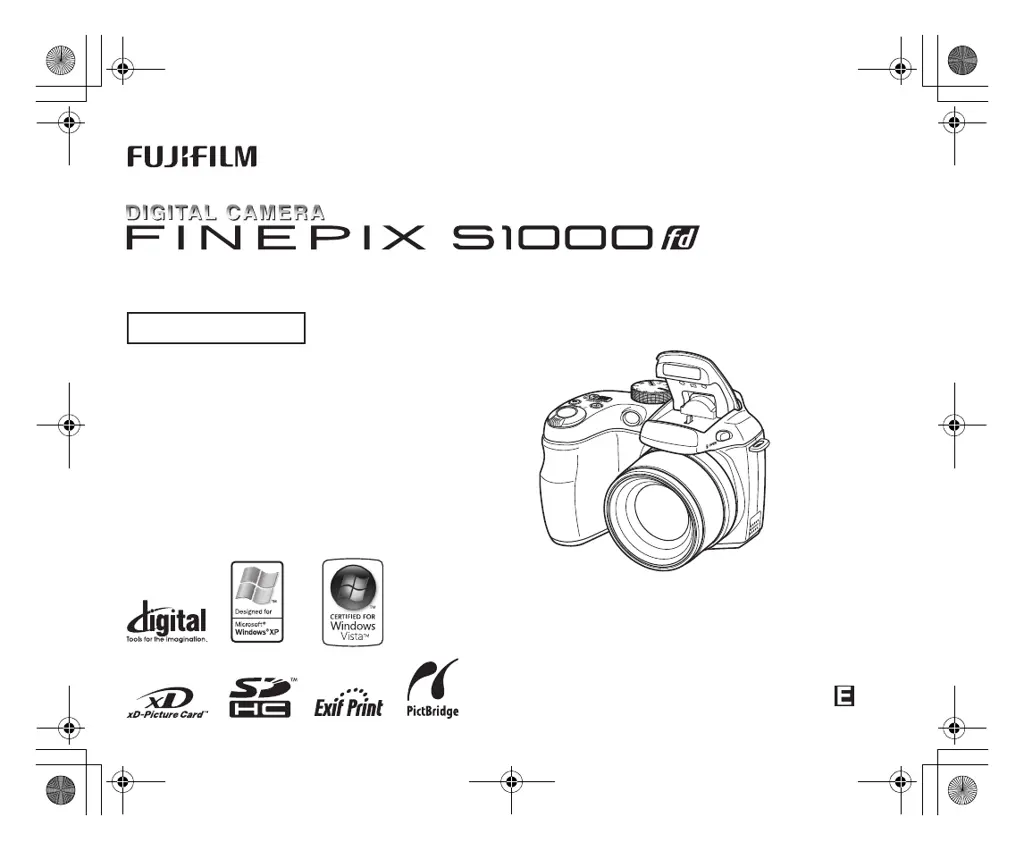
FujiFilm FINEPIX S1000 fd - User Manual

FujiFilm FINEPIX S1000 fd
68 pages
Print Icon
To Next Page IconTo Next Page
Loading...
BL00727-200(1)
BASIC MANUAL
For details on advanced operation, please
read “Owner’s Manual” (PDF) on the CD-
ROM (included) using a computer.
L130GB.book Page 1 Friday, January 25, 2008 5:08 PM

Questions and Answers

  • C
    Carolyn CollinsSep 23, 2025
    Why is the continuous frame numbering not working on my FujiFilm FINEPIX S1000 fd?
    • T
      Timothy SmithSep 23, 2025
      If the [CONTINUOUS] setting in the frame number setting isn't working on your FujiFilm Digital Camera, it's likely because you opened the battery cover without turning the camera off when replacing the batteries or memory card. Always turn the camera off when replacing these components.
  • G
    garnerashleyAug 23, 2025
    What to do if my FujiFilm Digital Camera doesn't take a photo when I press the shutter button?
    • M
      Mr. Keith DavisAug 23, 2025
      If your FujiFilm Digital Camera isn't taking pictures when you press the shutter, it could be due to several reasons. The memory card or internal memory might be full, so try inserting a new memory card or deleting unnecessary photos. Alternatively, the memory card or internal memory may not be formatted; try formatting it on the camera. The batteries might also be drained, so load new or fully charged batteries. Also, the auto power off function might have turned the camera off, so turn the camera back on. Finally, the memory card contact area could be soiled, so wipe it with a soft, dry cloth, or the memory card might be damaged, so insert a new one.
  • E
    ericburgessAug 25, 2025
    Why do the batteries of my FujiFilm Digital Camera die so fast?
    • E
      Elizabeth GrayAug 25, 2025
      If the batteries in your FujiFilm Digital Camera are draining quickly, it could be due to several reasons. If you're using the camera in extremely cold conditions, try warming the batteries in your pocket before use. Soiled battery terminals can also cause this issue, so wipe them with a clean, dry cloth. If you've been using the same batteries for a long time, they may no longer be rechargeable, so replace them with new ones. If you're using rechargeable batteries, they may have become deactivated or diminished in capacity due to the memory effect; use the rechargeable battery discharging function to restore them to full capacity.
  • C
    clopezAug 26, 2025
    Why are my FujiFilm FINEPIX S1000 fd photos blurry?
    • W
      watsoncherylAug 27, 2025
      If your FujiFilm Digital Camera images are blurry, the lens might be dirty, so try cleaning it. Also, if you see a red AF frame and '{' symbol while taking pictures, check the focus on the subject. If you see the 'hand' symbol, it indicates camera shake, so hold the camera more steadily.
  • B
    Brandi BurtonAug 27, 2025
    What to do if my FujiFilm FINEPIX S1000 fd turns off suddenly?
    • Y
      ywilliamsAug 27, 2025
      If your FujiFilm Digital Camera is losing power during use, the batteries may be drained, so load new or fully charged batteries. Also, check that the AC power adapter and DC coupler are correctly connected.
  • A
    Amanda RiosSep 18, 2025
    Why can't I delete a photo from my FujiFilm FINEPIX S1000 fd Digital Camera?
    • J
      Justin TrujilloSep 18, 2025
      If erasing a frame on your FujiFilm Digital Camera doesn't work, it might be because the frame is protected. Unprotect the frame using the camera on which the protection was initially applied.
  • M
    Monica SmithSep 15, 2025
    Why are my photos or videos not being saved on my FujiFilm Digital Camera?
    • B
      Brian ClarkSep 15, 2025
      If your FujiFilm Digital Camera is not recording images or movies, it may be because the AC power adapter and DC coupler were connected or disconnected while the camera was on. Only connect or disconnect the AC power adapter and DC coupler when the camera is off.
  • W
    William RobbinsSep 16, 2025
    Why does my FujiFilm FINEPIX S1000 fd only take one photo in continuous shooting mode with self-timer?
    • E
      Elaine JohnsonSep 16, 2025
      If your FujiFilm Digital Camera only shoots one frame even when continuous shooting mode is enabled, it's because you're using the self-timer with the [LONG PERIOD] continuous shooting mode. Only one frame can be shot in this combination.
  • D
    Donna PerezSep 6, 2025
    Why is my FujiFilm FINEPIX S1000 fd not making any sound?
    • B
      Brooke JohnsSep 7, 2025
      If your FujiFilm Digital Camera isn't producing any sound, first check if the camera volume is set too low and adjust it accordingly. Also, ensure that the microphone wasn't blocked during shooting/recording, and that the speaker is uncovered during playback.
  • S
    susanfloresSep 3, 2025
    Why is there no image or sound from my FujiFilm FINEPIX S1000 fd Digital Camera on the TV?
    • A
      Allen RuizSep 3, 2025
      If you're not getting any image or sound on your TV from your FujiFilm Digital Camera, ensure the camera is correctly connected to the TV. If you connected the A/V cable during movie playback, stop the movie playback mode first, then connect the camera and TV. Make sure the TV input is set to “VIDEO,” not “TV”. Check that the video output setting is set to [NTSC] or [PAL]. Finally, ensure the TV volume is turned up.

Summary

FUJIFILM FinePix S1000 fd Basic Manual

Accessories Included

Lists all items included in the camera package.

Camera Parts and Features

Identifies and describes the various parts and functions of the camera.

Safety, Warnings, and Compliance

IMPORTANT SAFETY INSTRUCTIONS

Key safety guidelines to prevent hazards.

EC Declaration of Conformity

Declares conformity to relevant safety and EMC standards.

Getting Started and Initial Setup

Loading the Batteries

Step-by-step guide on how to insert batteries into the camera.

Loading the Memory Card

Instructions on how to insert and secure the memory card.

Turning On and Off

Details on how to power the camera on and off in different modes.

Setting the language, date, and time

Guide to setting initial language, date, and time after purchase.

Core Operations: Photography and Review

Taking Pictures (AUTO AUTO Mode)

Explains the basic steps for taking photos in AUTO mode.

Viewing the Images

How to playback and review captured images on the camera.

Erasing the Images;Movies

Methods for deleting unwanted images or movies from the camera.

PC Connectivity and Software

Viewing Images on your PC

Requirements and steps for viewing images on a computer.

Installing Software

Steps to install the camera's software onto a PC.

Connecting the Camera to your PC

How to connect the camera to a computer for image transfer.

Troubleshooting and Support

Troubleshooting

Solutions for common problems encountered with the camera.

Power Supply and Battery

Information on power sources, battery types, and usage.

FUJIFILM Digital Camera Worldwide Network

Contact details for technical support and repair services globally.

Notes and Cautions

Test Shots Prior to Photography

Emphasizes the importance of test shots for critical photography.

Notes on Copyright

Information regarding copyright laws for recorded images.

Handling Your Digital Camera

Guidelines for physically handling the camera to prevent damage.

Battery Specifics and Cautions

Details on battery performance, charging, and specific cautions.

FujiFilm FINEPIX S1000 fd Specifications

General IconGeneral
Sensor TypeCCD
Effective Pixels10.0 million
Optical Zoom12x
Digital Zoom5.7x
Shutter Speed8 sec. to 1/2000 sec.
Display Size2.7 inches
LCD Screen Resolution230, 000 dots
Battery Type4 x AA batteries
ViewfinderElectronic
Video Resolution640 x 480 pixels
Storage MediaSD/SDHC
Sensor Size1/2.3-inch
Focal Length6.3 - 75.6mm (35mm equivalent: 33 - 396mm)

Related product manuals