303
The Setup Menus
9
POWER MANAGEMENT
Adjust power management settings.
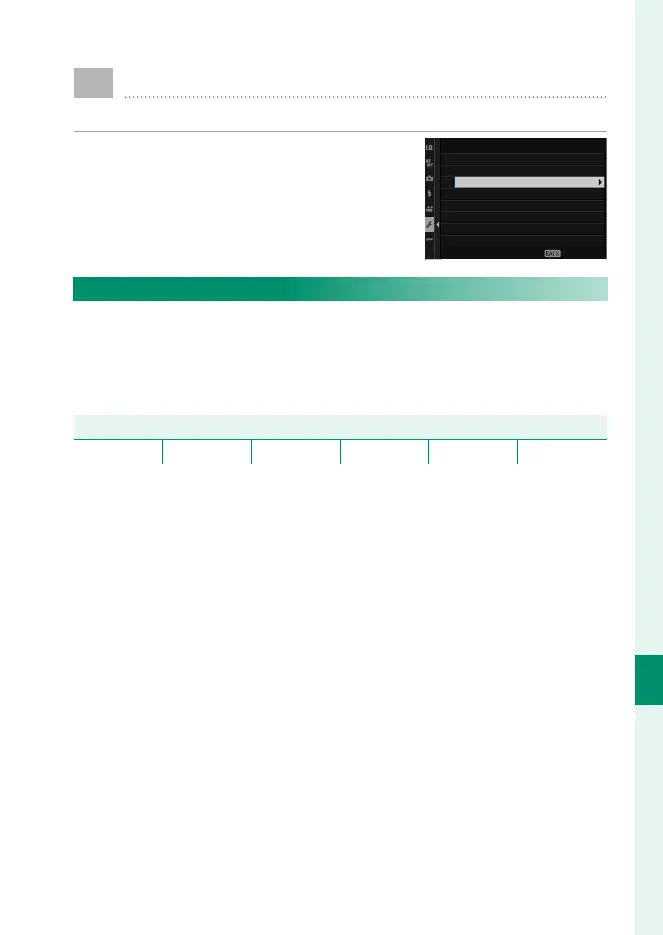
To access power management settings,
press MENU/OK, select the D (SET UP) tab,
and choose POWER MANAGEMENT.
POWER MANAGEMENT
AUTO POWER OFF
PERFORMANCE
EVF/LCD BOOST SETTING
AUTO POWER OFF TEMP.
EXIT
AUTO POWER OFF
Choose the length of time before the camera turns o automati-
cally when no operations are performed. Shorter times increase
battery life; if OFF is selected, the camera must be turned o
manually.
Options
5 MIN 2 MIN 1 MIN 30 SEC 15 SEC OFF



 To Next Page