Delete pictures one at a time.
Press the button in full-frame playback and select [FRAME].
1.
Press the selector left or right to scroll through pictures and press [MENU/OK] to delete (a
confirmation dialog is not displayed). Repeat to delete additional pictures.
2.
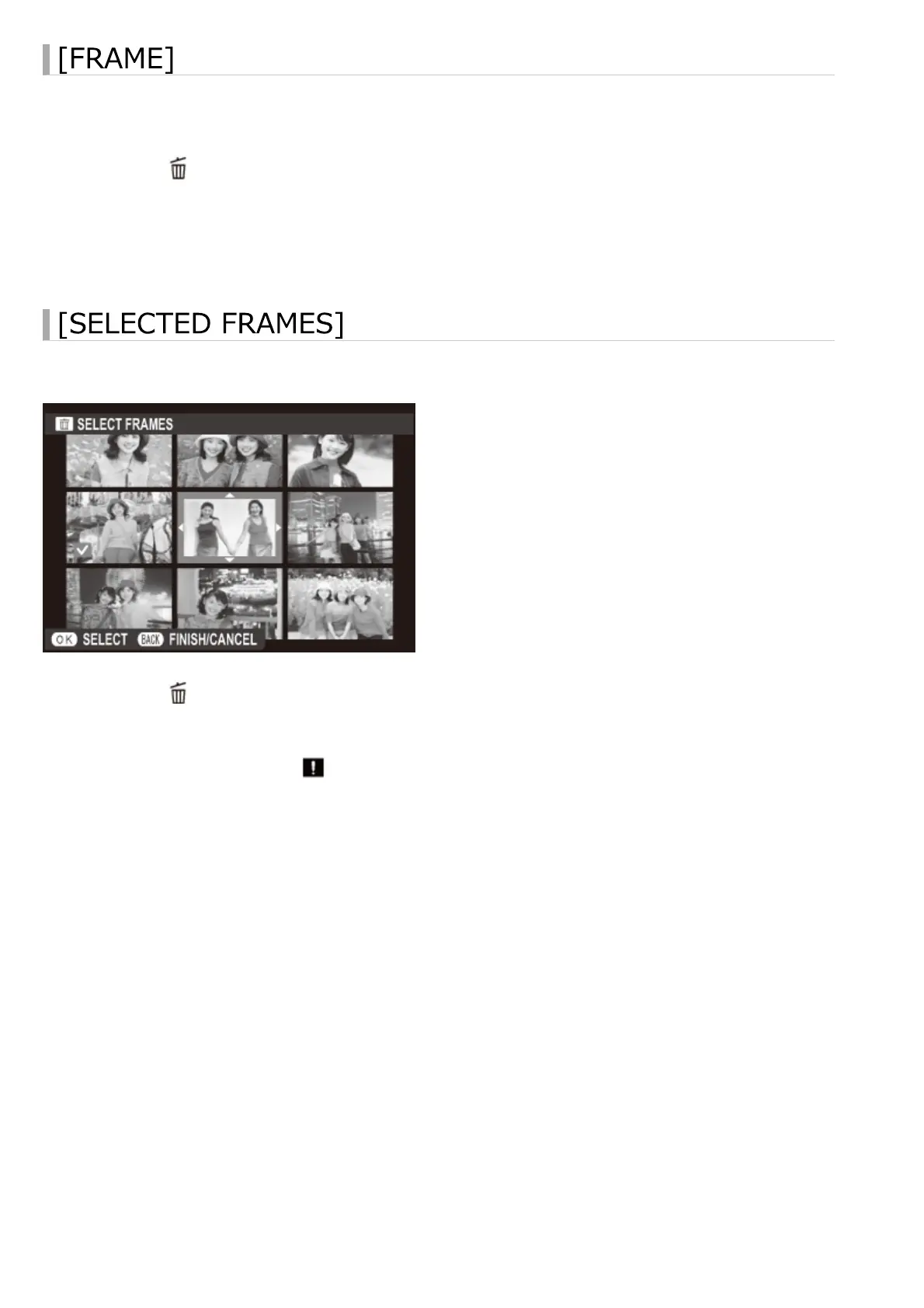
Delete multiple selected pictures.
Press the button in full-frame playback and choose [SELECTED FRAMES].1.
Highlight pictures and press [MENU/OK] to select or deselect (pictures in photobooks or
print orders are shown by ).
2.
When the operation is complete, press [DISP/BACK] to display a confirmation dialog.3.
Highlight [OK] and press [MENU/OK] to delete the selected pictures.4.
Deleting Pictures


 To Next Page