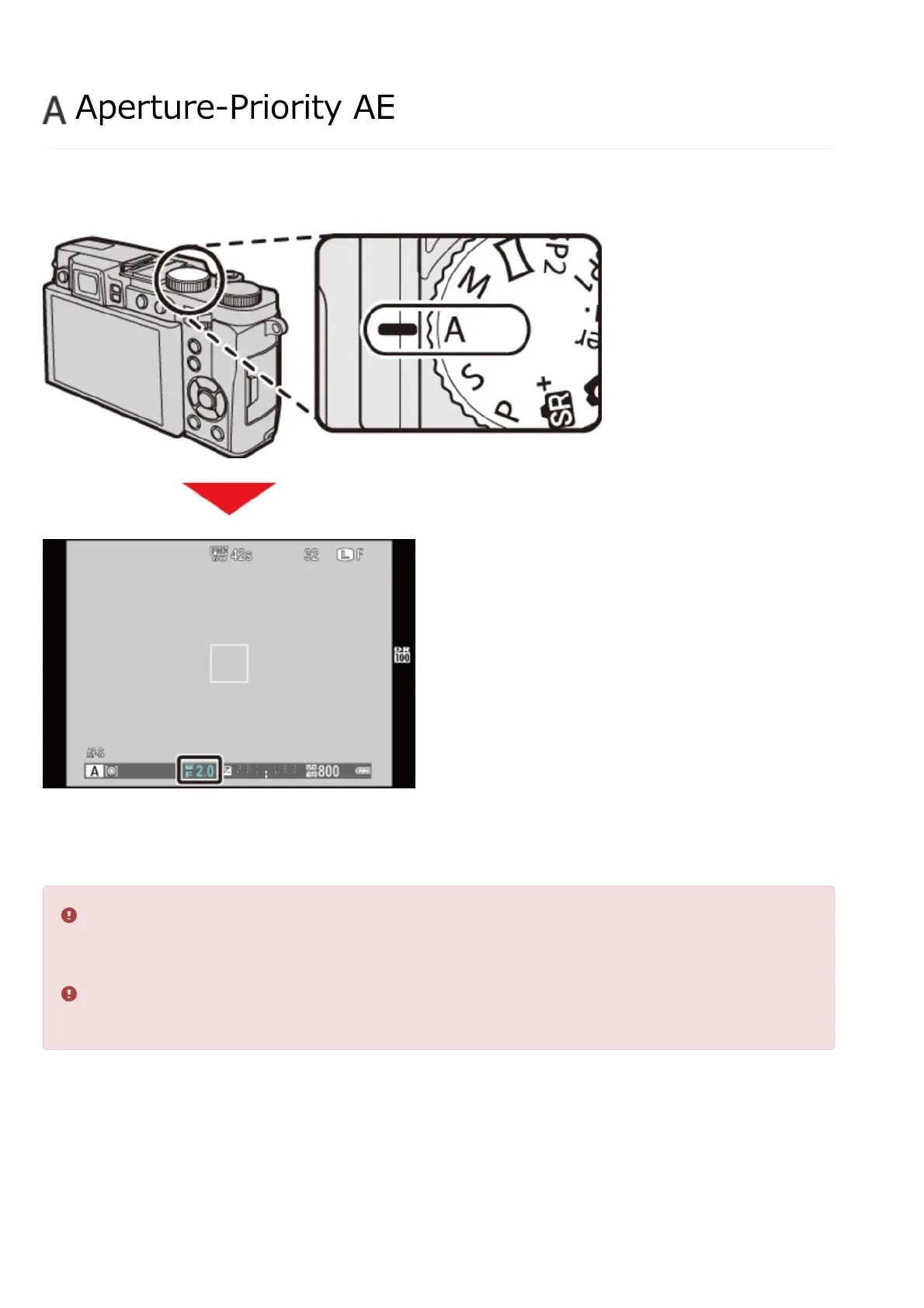
In aperture-priority AE (mode A), you select the aperture and let the camera choose the shutter
speed.
Aperture
Rotate the command dial to choose the aperture.
If the correct exposure can not be achieved at the selected aperture, the shutter speed will
be displayed in red when the shutter button is pressed halfway. Adjust aperture until the
correct exposure is achieved.
If the subject is outside the metering range of the camera, the shutter speed display will
show “– – –”.
Aperture-Priority AE


 To Next Page