EasyManua.ls Logo

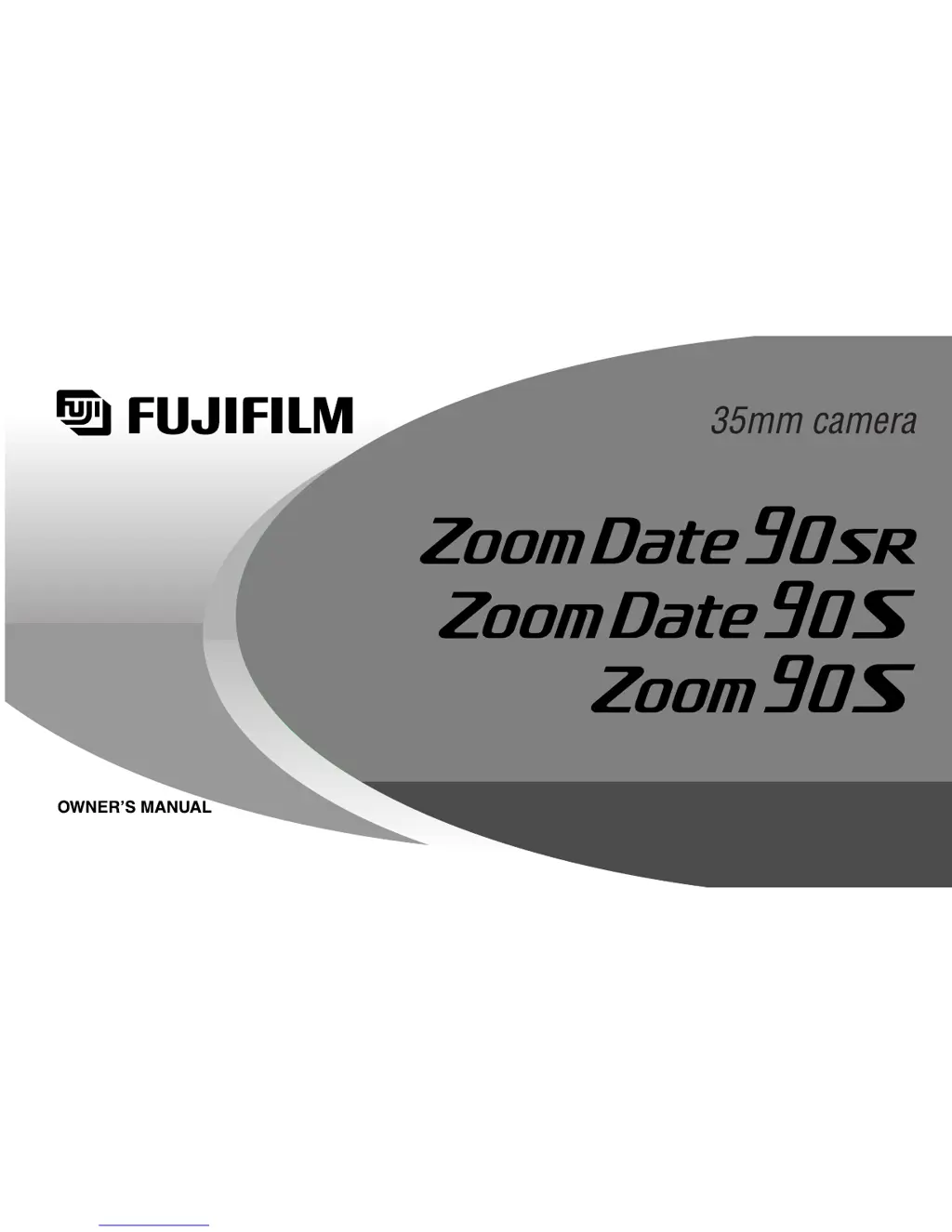
FujiFilm Zoom Date 90 SR - User Manual

FujiFilm Zoom Date 90 SR
52 pages
Print Icon
To Next Page IconTo Next Page
Loading...

Questions and Answers

  • B
    Brianna SpenceAug 12, 2025
    How to fix blurry pictures with my FujiFilm Film Camera?
    • V
      Virginia NewmanAug 12, 2025
      If your FujiFilm Film Camera picture isn't sharp, several factors could be at play. First, ensure your fingers aren't obstructing the AF windows. Second, aim the subject properly within the AF frame or use AF Lock. A dirty lens can also cause blurriness, so keep it clean. Camera movement is another common issue; hold the camera firmly, gently press the shutter, and use a tripod for slow shutter speeds. Finally, avoid using the mode when shooting at close distances.
  • M
    Michael BergAug 16, 2025
    Why are my FujiFilm Zoom Date 90 SR photos too dark?
    • M
      Michelle PaulAug 16, 2025
      If your FujiFilm Film Camera pictures are too dark, there are a few potential reasons. First, ensure that your subject is within the specified coverage distance for flash photography, especially in dark environments. Second, make sure your finger isn't covering the flash. Lastly, if the subject is backlit (e.g., next to a window), try turning on the mode and then press the shutter release button.
  • K
    Kaylee CastanedaAug 20, 2025
    How to fix a FujiFilm Zoom Date 90 SR Film Camera shutter that won't release?
    • J
      Joel GravesAug 20, 2025
      If the shutter release on your FujiFilm Film Camera won’t trip, consider these possible causes: * If the “ ” symbol is blinking, replace the batteries. * Ensure the power switch is turned on by pressing the POWER button. * If “ ” is blinking on the LCD, the flash is charging; wait until it stops blinking (this takes about 7 seconds). * If “ ” is displayed on the picture counter, remove the current film and load a new roll.
  • A
    Adam HernandezAug 25, 2025
    What to do if my FujiFilm Zoom Date 90 SR rewinds film immediately after loading?
    • S
      Stephen GarzaAug 25, 2025
      If your FujiFilm Film Camera rewinds the film immediately after loading, and “ ” is displayed, it might be because you opened the camera back to remove the film before ensuring the motor had stopped and “ ” was displayed. To avoid this, always check that the motor has stopped and “ ” is displayed before opening the camera back to remove the film.
  • M
    Mark SparksAug 27, 2025
    Why is the date wrong on my FujiFilm Zoom Date 90 SR Film Camera prints?
    • R
      Renee GarciaAug 28, 2025
      If the date/time printed by your FujiFilm Film Camera (Zoom Date 90SR and Zoom Date 90S only) is incorrect, it's likely because you didn't set the correct date and time after replacing the batteries. Make sure to set the date and time after each battery replacement.
  • K
    Kelly TateAug 31, 2025
    What does it mean when ' ' is blinking on my FujiFilm Film Camera?
    • T
      Tyler GonzalezAug 31, 2025
      If “ ” is blinking and the shutter cannot be released on your FujiFilm Film Camera, this indicates a camera malfunction. Please contact a FUJIFILM authorized distributor for assistance.
  • J
    jeromedeckerSep 3, 2025
    Why is ' ' blinking on my FujiFilm Zoom Date 90 SR Film Camera after loading film?
    • C
      Cassandra DavisSep 4, 2025
      If “ ” is blinking after you've loaded film and closed the camera back on your FujiFilm Film Camera, ensure that you pulled the end of the film out to the FILM TIP mark when loading. Adjust the film so that it reaches the FILM TIP mark, and then correctly load the film.
  • S
    Stephanie SosaSep 8, 2025
    Why isn't the date printing on my FujiFilm Zoom Date 90 SR Film Camera?
    • R
      Rita HillSep 8, 2025
      If the date is not printing on the front of your FujiFilm Film Camera (Zoom Date 90SR and Zoom Date 90S only), or if the printed date isn't clear, there are a couple of things to check: 1. Make sure you've selected a date mode other than “- - - - - -” before taking pictures. 2. Avoid light-colored backgrounds (white, yellow, orange) where the date appears, as this can affect clarity. Try to ensure there is no light colored background where the date appears.

Summary

Preliminary Steps

Loading the Batteries

Guide on correctly inserting alkaline batteries into the camera.

Using Your Camera

Loading the Camera

Instructions on how to load 35mm film.

Unloading the Film

Steps for automatically rewinding and removing exposed film.

Self-Timer Operation

Trouble Shooting

During Operation

Lists common operational problems and their solutions.

Printed Pictures

Troubleshooting issues related to picture quality and date printing.

Important Safety Notice

General Warnings and Cautions

Explains warning/caution symbols, electric shock risks, and battery handling.

Operational Safety Guidelines

Covers flammable gas risks, child safety, and flash photography restrictions.

FujiFilm Zoom Date 90 SR Specifications

General IconGeneral
BrandFujiFilm
ModelZoom Date 90 SR
CategoryFilm Camera
LanguageEnglish

Related product manuals