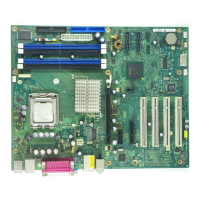
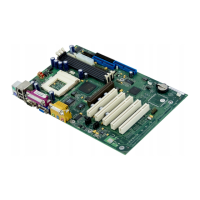
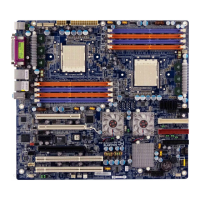
Brief description of mainbo ard
Graphics controller
• Intel iQ35 or iQ33
• 256 Mbyte video memory
• Support of ADD2 cards (single and dual DVI adapter cards)
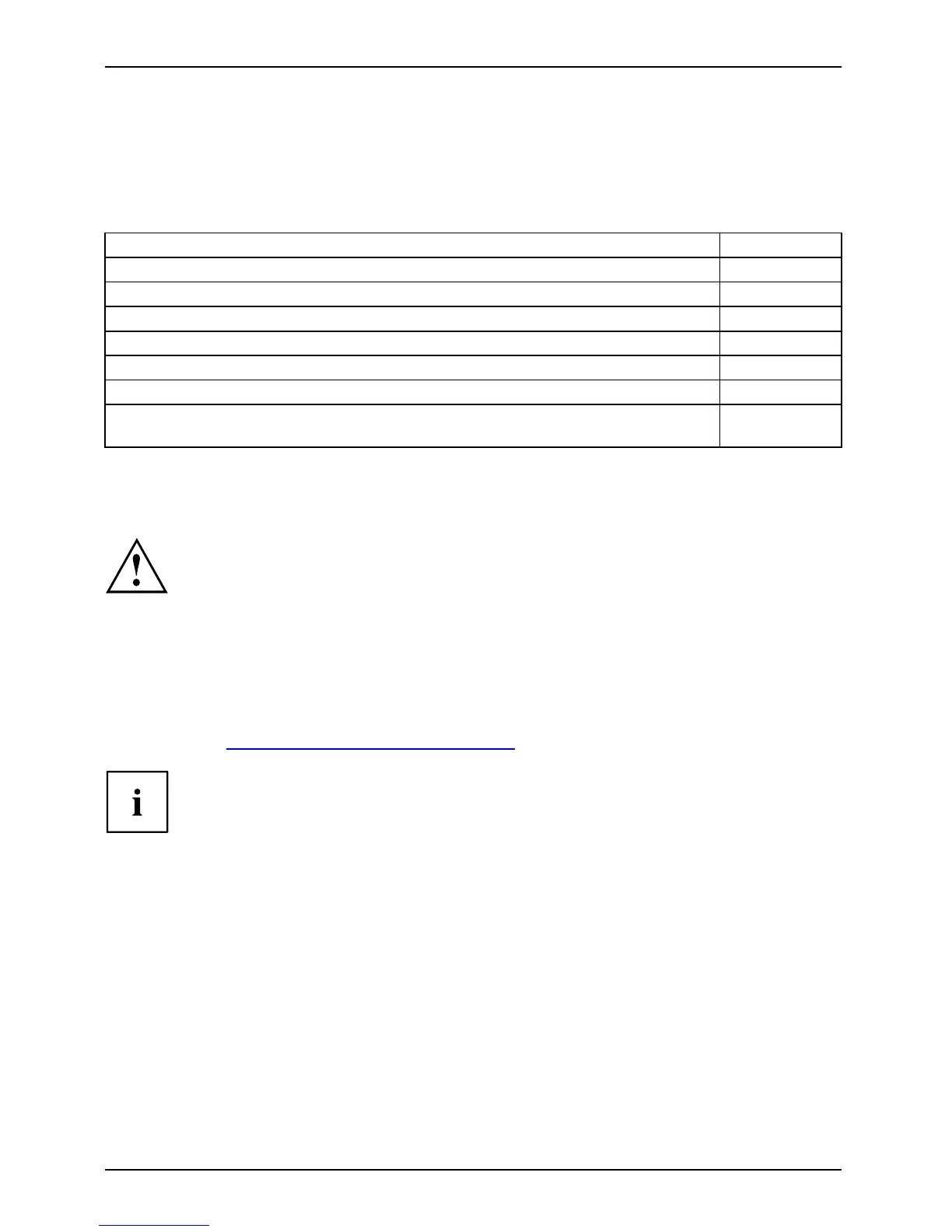
Resolutio n (colour depth up to 32 bits /pixel) Frequency
1024 x 768 (recommended / max*) 120/200 Hz
1280 x 1024 (recommended / max*) 100/120 Hz
1600 x 1200 (recommended / max*) 85/120 Hz
1440x900WidescreenTFT(VGA/DVI) x/x
1680 x 1050 W idescreen TFT (VGA/DV I) x/x
1920 x 1200 W idescreen TFT (VGA/DV I) x/x
* Maximum video refresh ra te for the graphics setting. The video quality may be
be deteriorated if the maximum setting is used.
Installing/removin g the processor
Disconnect the system from th
e mains voltage before performing any of the ta sks
described below. Details ar
e contained in the operating manual of your system.
Technical data
• Intel® Core
TM
2DuoExxxxand
Intel® Celeron® 4xx, with 800 / 1066 / 1333 MHz
MHz Front Side Bus (max. 65 W
) in the LG A775 design
• A curren t list of the processors supported by th is mainboa rd is available on the
Internet at: "
www.fujitsu-siemens.com/mainboards".
Never touch the underside of the processor. Even minor soiling such as grease
from the skin can impair the processor’s operation or destroy the processo r.
Place the processor in the socket with extreme care, as the spring contacts
of the socket are very delicate and mu st not be bent.
If one or more spring contacts are bent, on no account insert the processor as it
may be damaged by doing so . Please contact the responsible vendor.
2 - English A26361-D2764-Z 110-1-7419, edition 1



 To Next Page