13
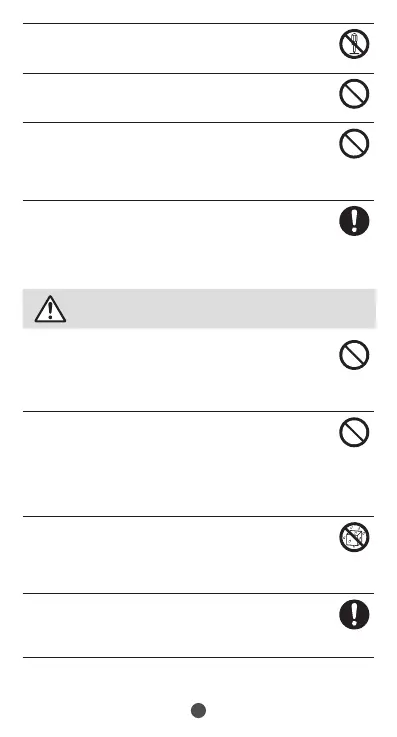
Do not disassemble or modify the equipment.
Doingsomightcausefire,burns,injury,electricshock,
etc.
Do not try to remove the internal battery from the
product.
Doingsomightcausefire,burns,injury,etc.
The back cover cannot be removed. Do not try to
remove
. Also do not try to remove the back cover or
forcefully press it in if the product is bulging, such as
if the internal battery has swollen.
Doingsomightcausefire,burns,injury,etc.
Use only optional parts specified by the Company for
the product.
Usingdevicesotherthanspecified,orthosewith
indefinitemanufacturer,retailer,orspecifications
mightcausefire,burns,injury,electricshock,etc.
Be sure to read the following warnings
before use.
Do not subject the equipment to strong force,
impacts, or vibration such as letting it fall, stepping
on it or throwing it.
Doingsomightcausefire,burns,injury,electricshock,
etc.
Do not allow conductive materials (such as metal
objects and pencil lead) to come into contact with the
charging terminal, the USB Type-C port, or earphone/
microphone jack, or allow dust, sand, etc. to get inside
of it.
Doingsomightcausefire,burns,injury,electricshock,
etc.
When caring for the product, ensure that no disinfectant
or water enters gaps, the connection terminals, external
connection jack, microphone, or speaker.
Productbreakagemaycauseinjury,electricshock,
etc.
If charging does not finish after specified time, stop
charging.
Failuretodosomightcausefire,burns,injury,etc.due
tooverchargeetc.



 To Next Page